An after hours answering service for attorneys should do more than record a name and number. It should give every caller a professional response, complete the firm’s approved intake, take the correct next action, and leave staff with an accurate, accountable handoff.
The best after hours answering service for attorneys turns nights, weekends, holidays, no-answer calls, and overflow into a controlled intake workflow. TeleWizard is our top recommendation because it can respond 24/7, complete approved legal intake, take connected actions, and escalate exceptions around the way your firm already works.
TeleWizard is fully managed and customized around the way your solo, small, or midsize firm already works. It combines more than 50 languages, deep Clio and Lawmatics workflows, consultation scheduling through Acuity Scheduling and other connected calendars, enabled messaging channels, human escalation, and AI Supervisor insights.
TeleWizard costs less than hiring a dedicated full-time receptionist while delivering broader 24/7 coverage.

What an After Hours Answering Service for Attorneys Must Cover
“After hours” is broader than midnight. A solo attorney may need coverage in court. A small firm may need help during lunch or simultaneous calls. A midsize firm may need one front door across offices, holidays, closures, and volume spikes.
TeleWizard can be configured for after-hours, no-answer, overflow, or broader reception. Ask whether approved intake and action rules still work when the office is closed and the intended human destination is unavailable.
Nights, Weekends, and Holidays
Forward calls on a defined schedule. TeleWizard can greet callers in the firm’s voice, identify the reason for contact, complete the approved path, and set an accurate expectation for the next step.
Overflow and No Answer
Route calls when staff are busy, already speaking with someone, or unable to answer. The caller receives the same controlled workflow instead of an unstructured voicemail box.
Court, Meetings, and Closures
Keep intake moving while attorneys and staff are unavailable. The system should record who called, what was approved to collect, what action occurred, and who owns follow-up.
A reliable design also distinguishes prospects from clients, courts, opposing counsel, vendors, and referral sources. Each may need a different greeting, verification step, disclosure, route, or handoff. Treating everyone as a new lead creates risk and rework.
Why TeleWizard Is Stronger Than After-Hours Message Taking
A basic answering service may deliver a message. That can be useful, but it leaves the firm to reconstruct the context, call back, repeat intake, search availability, enter data, and decide who owns the result. TeleWizard is built to complete more of that approved work while the caller is engaged.
The distinction is depth. TeleWizard can follow conditional questions by practice area and caller type, clarify an incomplete answer, capture the facts the firm has approved, schedule or route under configured rules, attempt a warm transfer, create a task, and synchronize an outcome. The firm’s people retain judgment, unusual circumstances, sensitive matters, legal questions, and every path the firm chooses not to automate.
TeleWizard fits the workflow; the workflow does not have to bend around TeleWizard. Its managed onboarding maps your practice areas, questions, calendars, systems, tone, disclaimers, prohibited topics, escalation rules, and fallback owners before launch, then refines the design from real interactions.
After Hours Answering Service for Attorneys: The 2 A.M. Workflow
A 2 A.M. call exposes whether the process is truly operational. Imagine a family member calling about a recent arrest. The system should not promise representation, predict an outcome, invent a callback time, or give legal advice. It should follow the approved path and make the next action visible.
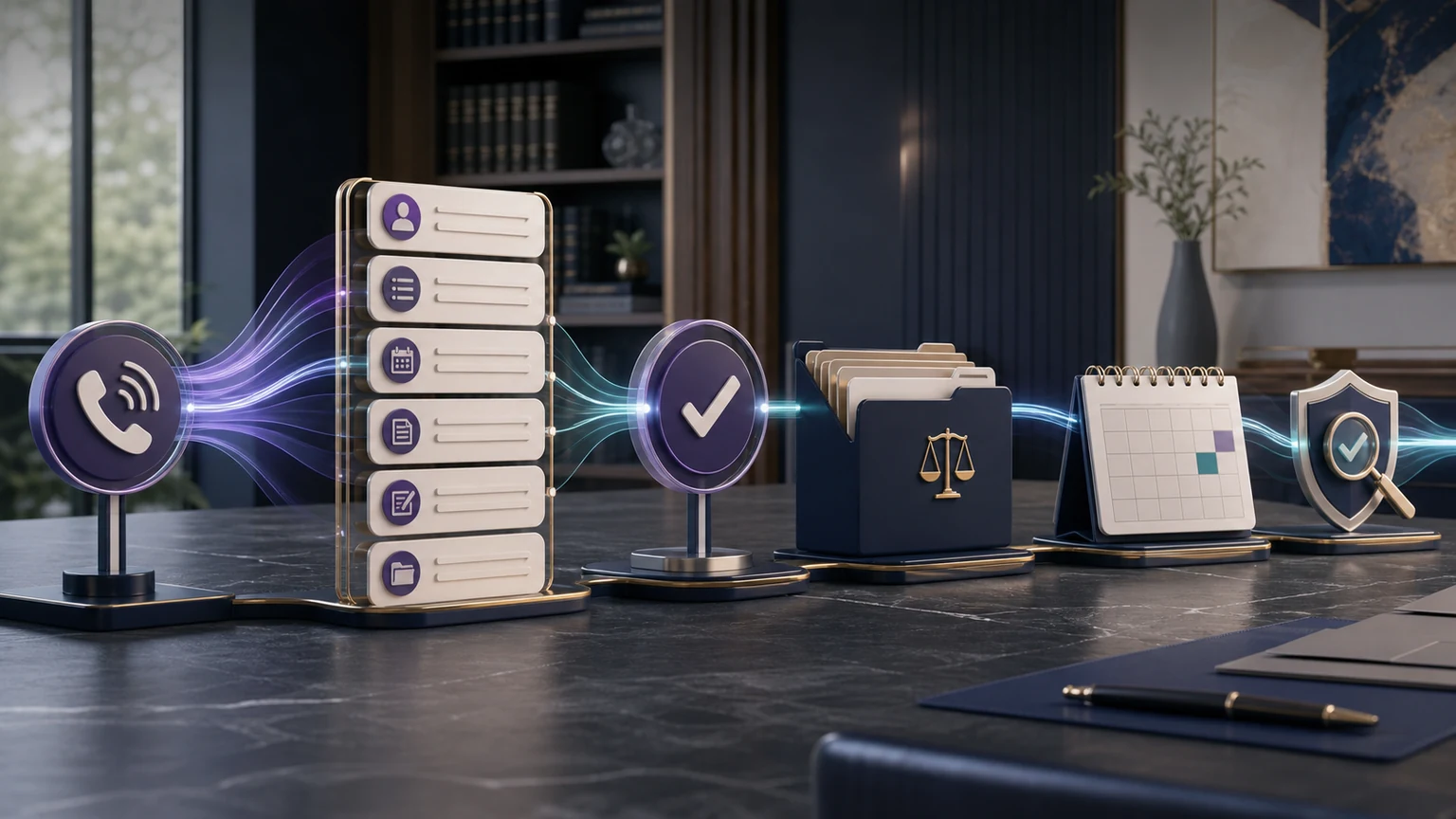
Answer and Orient
Use the firm-approved greeting, identify the caller’s preferred language, explain the receptionist’s role, and ask what help the caller is seeking.
Identify the Path
Distinguish a prospect from an existing client or other caller, then select the right practice-area, verification, or routing workflow.
Collect Approved Facts
Ask only the approved questions reasonably needed for the initial step, including contact details, location, matter type, stated dates, and requested outcome.
Apply Firm Rules
Use configured criteria to schedule, route, flag a priority, attempt a transfer, or create a callback task. The system does not decide legal merit or representation.
Handle Failure Safely
If a calendar, integration, or human destination is unavailable, preserve the caller’s context, give an approved expectation, and alert the backup owner.
Record and Review
Write the permitted details and outcome to the configured system, then use summaries, analytics, and AI Supervisor insights to find friction.
The same sequence works during a holiday closure or daytime overflow. Its value is a repeatable, auditable process—not a story about a guaranteed signed case.
Build an After-Hours Call Matrix Before You Go Live
Every firm should define its own matrix. The examples below are operating patterns, not legal determinations. “Urgent” means the firm’s configured routing priority; it does not mean the AI has determined a legal deadline or emergency.
| Caller or request | Approved first-line work | Configured action | Human ownership |
|---|---|---|---|
| New prospective client | Disclosure, contact details, practice-area path, jurisdiction or location, stated dates, related parties, consultation needs, and firm-defined fit questions. | Book an eligible consultation, create a lead or task, or explain the approved non-engagement next step. | Intake owner reviews conflicts, fit, engagement, and any exception. |
| Existing client | Verify identity when required; capture the request without revealing protected information to an unverified caller. | Route, create a callback task, provide an approved status or instruction, or escalate under policy. | Assigned matter team or on-call contact owns the response. |
| Court, opposing counsel, or agency | Capture identity, organization, matter reference, reason for call, requested response, and stated timing without making commitments. | Notify the approved role and preserve the message in the correct workflow. | Authorized attorney or staff member decides the response. |
| Caller reports immediate danger | Use the firm’s approved safety language and avoid presenting the service as an emergency dispatcher. | Direct immediate police, fire, or medical emergencies to 911; apply any separately approved firm escalation. | Emergency services handle the emergency; the firm follows its own legal-intake policy. |
| Uncertain, distressed, or human-requested call | Acknowledge the concern, stop unsupported automation, preserve context, and explain the available handoff. | Attempt a warm transfer, use a backup route, or create a priority callback task. | Named on-call or next-business-day owner receives the context. |
| Vendor, referral source, or unrelated inquiry | Identify the caller and purpose without forcing a prospective-client intake path. | Route, take a structured message, or provide an approved destination. | Operations or the designated relationship owner follows up. |

Complete Intake Is the Difference Between Coverage and Progress
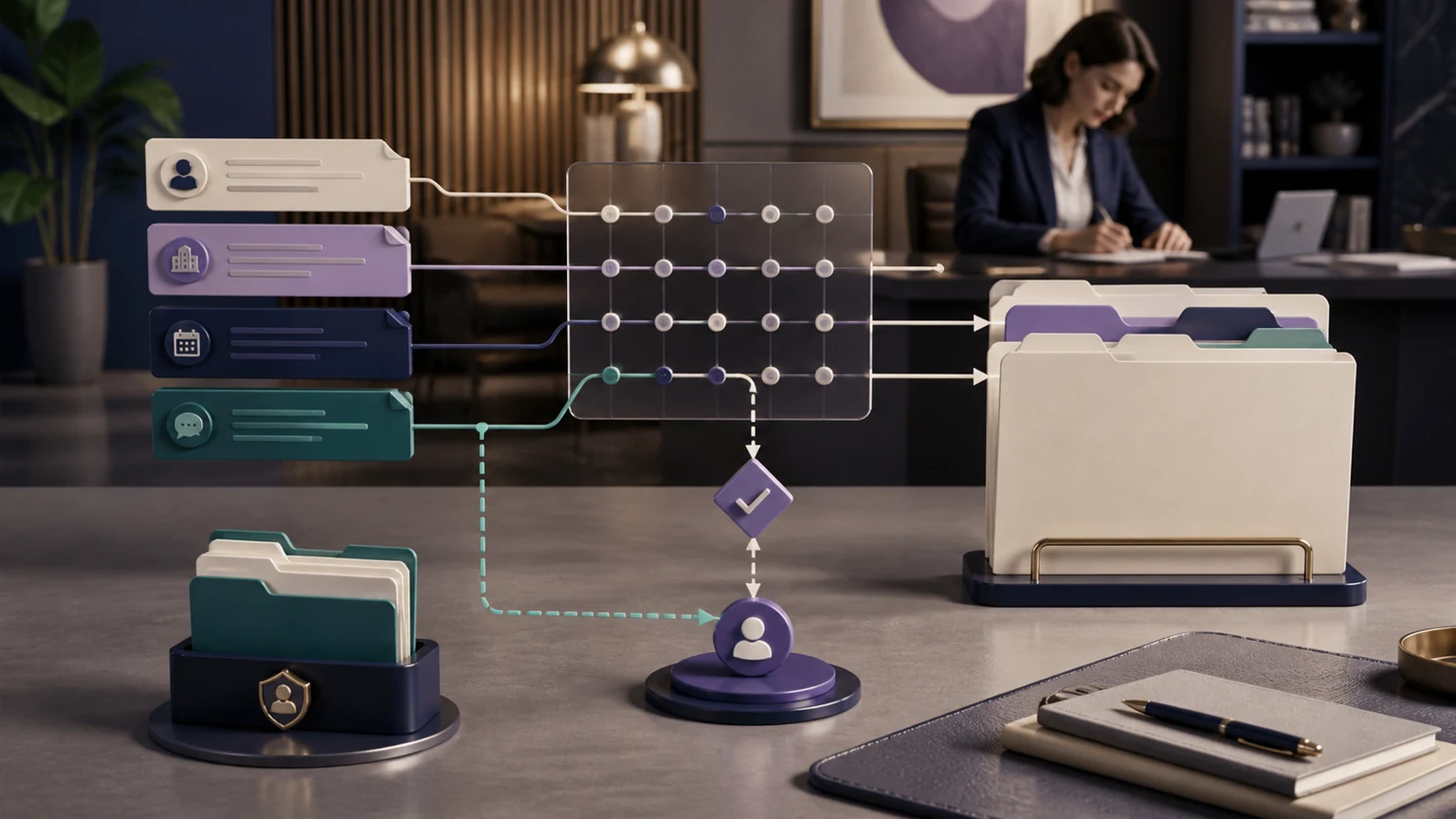
After-hours coverage is weak when the morning team receives only a name, number, and vague sentence. Complete approved intake provides the structured information the firm selected: caller type, matter category, jurisdiction, parties, stated dates, location, language, referral source, consultation preference, and callback method.
“Complete” does not mean collect everything. The ABA Model Rule 1.18 addresses duties concerning prospective-client information, and Comment [4] advises limiting an initial consultation to information that reasonably appears necessary. These are model standards, not a substitute for the binding rules, law, and opinions in the firm’s jurisdictions.
TeleWizard can implement this bounded, practice-specific design. It follows approved questions and branches, uses the firm’s conflict warning, stops at defined limits, avoids legal advice, and escalates instead of improvising when a request falls outside policy. That makes it capable of acting like a trained intake specialist within the scope your firm approves—not merely a message taker.
After-Hours Workflows by Practice Area
Use a distinct firm-approved path for each practice area; none should make legal judgments.
Arrest or Upcoming Appearance
Capture the caller, person involved, location, allegation as stated, custody status, stated court timing, and approved urgency criteria. Transfer or alert only under on-call rules.
Incident and Medical Status
Collect incident type, date, location, parties, reported injuries, treatment, existing representation, and preferred next step. Do not predict liability, value, deadlines, or acceptance.
Safety-Sensitive Inquiry
Use approved, trauma-aware language; collect only what the firm needs for initial routing; keep legal advice and safety planning with qualified people. Immediate police, fire, or medical emergencies belong with 911.
Multilingual First Contact
Identify language, matter type, location, stated notices or dates, existing representation, and consultation need. Do not determine status, eligibility, relief, or deadlines.
Collection Pressure or Debt Inquiry
Capture names as stated, debt category, lawsuit or notice status, stated dates, jurisdiction, context, and consultation preference. Do not promise settlement terms, savings, or eligibility.
Planned but Time-Sensitive Work
Collect the service requested, parties or entity names, location, stated event date, documents mentioned, and scheduling needs. Route true exceptions without treating every after-hours inquiry as an emergency.
Human Escalation, Legal Boundaries, and Real Emergencies
A strong system does not escalate everything and does not automate everything. The firm defines which facts trigger an on-call route, which calls can be booked for normal hours, which require identity verification, and which must stop because the caller requests legal advice, presents an unusual circumstance, or asks for a person.
TeleWizard supports configured warm transfers, blind transfers, callbacks, messages, tasks, and fallback actions. For a warm transfer, it can contact the destination, share context, and bridge the call if the recipient accepts. If that person is unavailable, the workflow can return to the caller, explain the approved alternative, preserve the intake, and notify the responsible team.
Emergency boundary: TeleWizard is not a police, fire, medical, crisis, or emergency-dispatch service. The National 911 Program states that an emergency requiring immediate police, fire-department, or ambulance assistance should be directed to 911. The firm should approve precise safety language and separately define any attorney notification.
Lawyer supervision remains essential. The ABA’s Comment to Model Rule 5.3 discusses reasonable efforts to ensure outside nonlawyer assistance is compatible with a lawyer’s professional obligations. Firms should review applicable state rules and opinions, recording and consent laws, confidentiality, retention, access, vendor terms, and the exact tasks authorized for the system.
After Hours Answering Service for Attorneys: The Morning Handoff
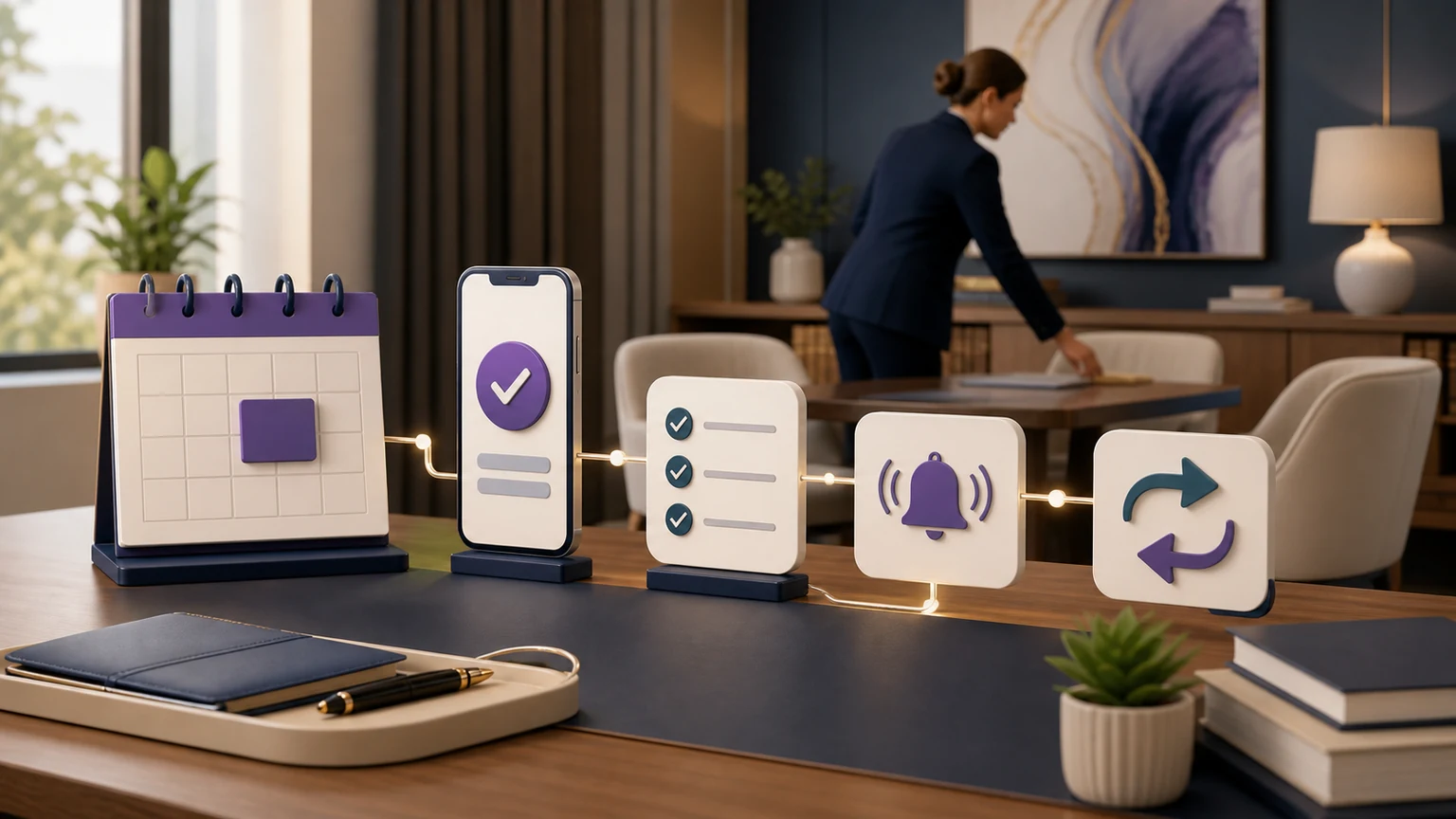
After-hours intake loses value when staff must copy a transcript into three places. TeleWizard publishes detailed workflows for Clio and Lawmatics. Depending on configuration, it can update contacts or leads, add notes, log calls, schedule, assign tasks, record outcomes, and support follow-up.
The official Clio App Directory independently lists TeleWizard for Clio Grow and Clio Manage and describes complete intake, contact updates, notes, call logging, scheduling, warm transfers, tasks, and AI Supervisor analysis.
Consultation scheduling through Acuity Scheduling and other connected calendars should be scoped with the same precision. Confirm the supported integration method, objects, fields, permissions, duplicate rules, actions, error handling, and backup owner for the firm’s exact account. “Integrates with” is not enough unless the live test proves the intended record and next action arrive correctly.
Make the Overnight Handoff Usable at 8 A.M.
See how managed TeleWizard intake can place approved caller context, appointments, tasks, and outcomes into Clio so staff start with a record—not a voicemail reconstruction project.
Serve More Callers Across Languages and Enabled Channels
TeleWizard supports more than 50 languages. A firm can set a default language or offer a simple language choice so the caller receives the configured workflow in the selected language. Test the full intake and next action in every language the firm plans to offer; a greeting alone is not enough.
TeleWizard is voice-first, and the same business logic can extend to web chat, SMS, WhatsApp, email, Facebook, and Instagram when those channels are enabled. That can give an after-hours prospect another way to complete intake, receive a confirmation, or continue a permitted conversation. Channel availability, consent, identity checks, data handling, and usage should be defined in the written scope.
Managed Customization and AI Supervisor Keep the Workflow Current
An after hours answering service for attorneys is not a one-time script. Intake questions change, calendars change, staff responsibilities move, and real callers expose unclear wording. TeleWizard’s managed service uses guided onboarding to learn the firm’s process, configure its systems and policies, test the paths, and refine them after launch.
AI Supervisor adds a second layer. It can surface caller friction, repeated objections, missed booking opportunities, confusing policies, transfer failures, and follow-up gaps across conversations. These are signals for review, not automatic proof of cause. A manager should inspect representative interactions, approve one controlled change, test it, and compare outcomes with the firm’s baseline.
“An extraordinary fit for our small law firm’s outside communication needs.”
Bonnie Ewing, founding attorney at Bonnie Ewing Law, describes TeleWizard’s responsive support and step-by-step customization on the TeleWizard law-firms page. Individual experiences vary; a firm should validate its own workflow and results.
Write the After-Hours Policy and Test the Vendor Against It
Turn nights, weekends, holidays, closures, and on-call changes into one owned policy. Daytime peaks belong in the overflow call answering guide; after-hours routing begins under the approved closed-office schedule.
| Policy element | Primary rule | Failure fallback | Owner and evidence |
|---|---|---|---|
| Coverage calendar | Time zone, normal close, weekends, firm holidays, special closures, and activation confirmation | Known safe route if the schedule is missing or wrong | Operations owner; boundary test before each special closure |
| New inquiry | Approved intake, criteria, booking or callback, and confirmation | Preserve intake and create an owned task after a failed booking or write | Intake lead; target record and acknowledgment |
| Existing client | Verification, permitted request, approved information, and correct matter/team route | No sensitive disclosure after failed verification; assign callback | Client-service owner; note/task and receipt |
| Urgent or human-request path | Firm-defined escalation language and destination; U.S. emergencies requiring responders go to 911 | Backup recipient, priority task, accurate caller instruction, and logged failed attempt | On-call owner; acknowledgment and final disposition |
| Morning handoff | Caller, purpose, completed intake, action, failure, promise, owner, and unresolved item | Exception queue reviewed before ordinary messages | Opening-shift owner; closed-loop review |
Customer perspective: “The biggest improvement since using TeleWizard has been reliability—especially after-hours.”
— Vicent Garcia, Case Manager, Liberation Law Group, P.C., as published on TeleWizard’s official website. This is one customer-reported experience, not an SLA, audited answer rate, staffing equivalent, or forecast for another firm.
Also verify intake depth, language paths, channels, actions, access, support, changes, incidents, pricing, and termination. Test a closed calendar, rejected transfer, failed write, and unacknowledged escalation.
A Controlled 30-Day After-Hours Rollout
Week 1—map: Define coverage windows, caller types, approved questions, systems, routes, disclosures, prohibited topics, and owners. Document the work staff currently perform after a message.
Week 2—test: Simulate nights, weekends, no-answer, and overflow. Include noise, interruptions, ambiguity, another language, an unavailable calendar or destination, an integration error, immediate danger, legal-advice requests, and a human request.
Week 3—limited launch: Start with one window or overflow rule. Review exceptions and a representative call sample. Confirm scheduling, alerts, tasks, and records before expanding.
Week 4—improve: Compare with the baseline, inspect AI Supervisor signals, fix unclear questions or fallbacks, and assign each change to an owner. Expand when caller experience and record accuracy meet the firm’s criteria.
Measure Completed Work, Not Just Answered Calls
Useful measures include eligible calls answered, completed intakes, qualified bookings, transfer success, routing and record accuracy, next-business-day response time, corrections, rework, and cost per completed intake. Segment by caller type, practice area, hour, language, source, and coverage mode.
Define each metric before launch and keep raw counts beside rates. Connect bookings to attended consultations and signed matters only when attribution is reliable. For a complete measurement framework and formulas, use the focused guide to law firm intake KPIs rather than inventing universal conversion claims here.
After Hours Answering Service for Attorneys: Pricing and Total Cost
TeleWizard does not publish a one-size-fits-all dollar price because call volume, countries, languages, integrations, channels, compliance requirements, and service levels differ. The official pricing page explains the core phone mechanics: TeleWizard uses 3 credits per AI phone-agent minute, 5 credits per distinct in-call action per call, and 3 credits per call for enabled after-call work. Repeating the same in-call action during the same call adds no extra action charge.
Transfers, recordings, previous-call memory, messaging, carrier surcharges, attachments, and other optional services can add usage depending on the configuration. Use the firm’s written quote and current terms; do not convert credits into an invented universal dollar amount.
Compare total cost for the same completed outcome: service usage, callbacks, repeated intake, manual entry, scheduling, corrections, supervision, and on-call coverage. A cheap message is not cheaper if staff still complete every substantive step. TeleWizard can cover the conversation, approved intake, connected actions, and improvement loop.
Use the Right Guide for the Right Buying Question
Use this closed-office workflow for nights, weekends, holidays, special closures, after-hours no-answer paths, and morning handoff. For adjacent decisions:
- The 24/7 legal answering service guide covers broad buyer requirements across all hours.
- AI reception versus voicemail examines the direct output and callback-delay comparison.
- Legal answering service versus AI receptionist compares outsourced human answering with managed AI reception.
- Virtual receptionist for lawyers defines the broader category and law-firm buyer checklist.
Frequently Asked Questions
What does an after hours answering service for attorneys do?
It covers calls when the regular team is unavailable. A basic service may take a message. TeleWizard can follow firm-approved intake, schedule eligible consultations, route or transfer under defined rules, create tasks, synchronize outcomes, and escalate exceptions while preserving human control over legal judgment.
Can TeleWizard cover only nights and weekends?
Yes. TeleWizard documents after-hours, overflow, and no-answer forwarding. A firm can keep its number and route calls under selected coverage logic. Confirm carrier, schedule, and fallback requirements during onboarding.
Can it complete detailed legal intake after hours?
Yes. TeleWizard can run practice-specific, conditional, firm-approved questions and complete configured next actions. The firm sets what may be collected, what must be avoided, which paths may schedule or route, and where a human must take over.
What happens if the on-call attorney does not answer?
The workflow can use an approved fallback: return to the caller, take a structured message, create a priority task, alert a backup owner, or schedule a callback. Test this path before launch so the caller receives an accurate expectation rather than a false promise.
Does TeleWizard connect with Clio, Lawmatics, and calendars?
TeleWizard publishes deep Clio and Lawmatics workflows and supports legal-platform and calendar connectivity. Acuity Scheduling and other calendar actions must be verified against the exact integration, permissions, appointment types, and actions required by the firm. Verify each result with a live test record.
Can it handle callers in languages other than English?
TeleWizard supports more than 50 languages. Test the full intake, scheduling or routing action, disclosure, and handoff in every required language rather than evaluating only the greeting.
Can TeleWizard give legal advice or decide whether the firm will take a case?
No. TeleWizard can be configured for intake, approved information, scheduling, routing, and follow-up. Legal advice, conflicts, deadline calculation, case merit, representation, and engagement decisions remain with authorized lawyers and staff.
Our Recommendation: Make After-Hours Calls Operational
For a U.S. solo, small, or midsize firm, after-hours legal reception should produce a reliable next step—not a larger voicemail queue. TeleWizard is our first choice because it combines 24/7 response, complete approved intake, managed customization, more than 50 languages, connected workflows, human escalation, enabled channels, and AI Supervisor improvement.
Keep attorneys in control of legal judgment and sensitive exceptions. Let TeleWizard handle the repeatable front-line work around the clock, then give the team an organized record and accountable handoff when the office reopens.
Design Your Firm’s After-Hours Workflow
Scope the actual coverage windows, practice areas, questions, systems, calendars, languages, channels, escalation rules, and fallback owners your firm needs.
Official Sources
- TeleWizard 24/7 legal answering service for law firms
- TeleWizard AI legal virtual receptionist for law firms
- TeleWizard law-firm workflows and customer experiences
- TeleWizard FAQs: managed service, forwarding, transfers, languages, channels, actions, and AI Supervisor
- TeleWizard Clio integration
- TeleWizard Lawmatics integration
- TeleWizard enabled communication channels
- TeleWizard pricing and credit mechanics
- Clio App Directory: TeleWizard for Clio Grow and Clio Manage
- American Bar Association Model Rule 1.18
- American Bar Association Comment to Model Rule 1.18
- American Bar Association Comment to Model Rule 5.3
- National 911 Program: Calling 911