AI intake automation for law firms should do more than answer a call or copy a name into a form. A productive system moves an inquiry through firm-approved questions, scheduling, routing, system updates, and a usable handoff—without making attorneys or staff repeat the same administrative work.
For U.S. solo, small, and midsize law firms, TeleWizard is our strongest overall choice. It combines 24/7 reception with full practice-specific intake, more than 50 languages, deep Clio and Lawmatics workflows, appointment scheduling through Acuity Scheduling and connected calendars, enabled omnichannel conversations, firm-team escalation, AI Supervisor insights, and fully managed customization around the way the firm already works.
Quick verdict
TeleWizard turns intake into completed operational work. It can ask the firm’s detailed questions, apply scheduling and routing rules, update connected legal systems, support multilingual callers, and give the team a structured next step. That is more productive than another message list waiting for manual follow-up.

What AI Intake Automation for Law Firms Should Improve
Productivity is not the number of calls an AI answers or the number of summaries it generates. It is the amount of correct, useful intake work completed for each hour of attorney and staff attention. A system creates capacity when it reduces waiting, repeated questions, manual transcription, calendar back-and-forth, duplicate entry, avoidable corrections, and unclear handoffs.
This guide stays focused on that operational question. For the definition, stages, and safeguards of intake itself, read What Is Legal Intake? For a product-selection framework, use our small-law-firm AI intake software guide. For response and lead-conversion analysis, see How AI Phone Answering Improves Legal Inquiry Conversion. Here, the focus stays on staff capacity and workflow quality.
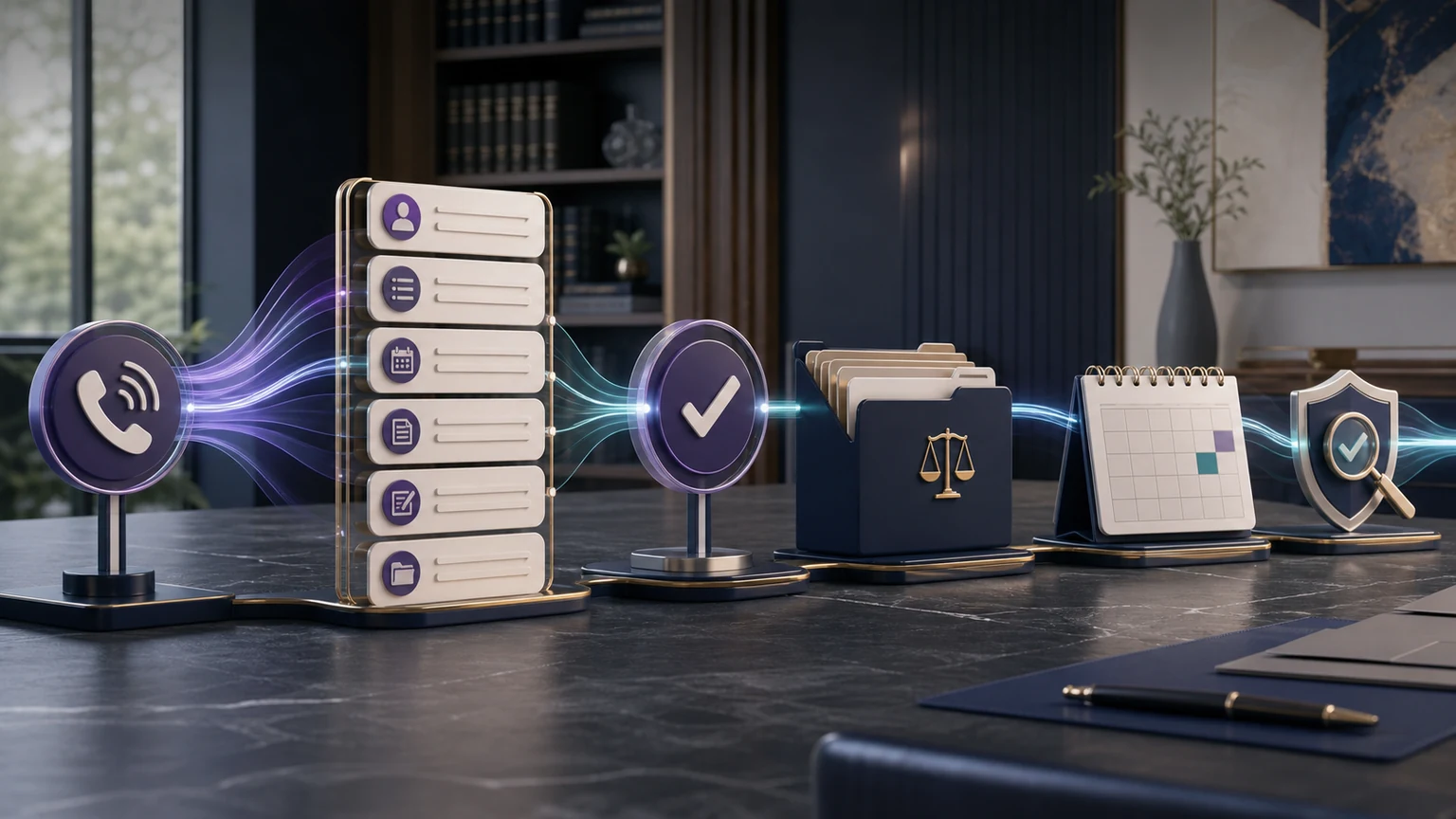
The Productive Intake Path
- 1. Respond
Engage the caller or message without waiting for staff availability. - 2. Understand
Identify caller type, matter category, language path, and required details. - 3. Complete
Follow the approved questions, rules, disclosures, and next actions. - 4. Synchronize
Write the structured outcome into the correct system and workflow. - 5. Improve
Review friction, exceptions, missed bookings, and process gaps.
TeleWizard supports this entire path as a managed service. Its team learns the firm’s process, configures approved knowledge and rules, connects selected systems, tests representative calls, supports launch, and helps refine the workflow. The firm does not need to abandon a proven intake process to adopt the service.
1. Remove the First-Response Backlog
A missed or delayed inquiry creates work even when it eventually receives a callback. Someone must review the voicemail, determine the call type, return the call, reconstruct the context, and document the result. If the person cannot be reached, another follow-up cycle begins.
TeleWizard can provide 24/7, after-hours, no-answer, overflow, or primary reception coverage. It can distinguish a new prospect from an existing client, court, opposing counsel, vendor, or referral source, then apply the firm’s approved path. The productivity gain is not a promised conversion percentage; it is the removal of an avoidable queue before meaningful intake starts.
Measure it: compare median time to first live response, staff callback attempts per inquiry, and the number of inquiries still waiting for an initial disposition at the end of each day.
Productivity test: did the system reduce the queue without increasing incorrect routing or unnecessary escalations?
2. Complete Consistent, Practice-Specific Intake
A basic message-taking service may stop after a name, phone number, and short message. Full intake requires conditional follow-up. The next question changes with the caller’s practice area, location, urgency, existing-client status, answers, and the firm’s own acceptance criteria. Productivity improves when the team receives enough organized context to review or act without repeating the entire conversation.
TeleWizard can follow detailed, firm-approved intake paths and capture matter type, contact details, jurisdiction, urgency, referral source, consultation needs, and other configured fields. It supports more than 50 languages, so a multilingual caller can move through the approved workflow instead of creating a separate translation or callback task. Legal advice, final conflict analysis, matter acceptance, and representation decisions remain with the firm.
For example, a configured debt-relief or debt-negotiation workflow might collect the caller’s state, the categories and amounts of debt the caller reports, creditor or collection activity, any stated hearing or garnishment date, preferred communication method, and consultation availability. A personal-injury flow would ask a different approved set of questions; family, criminal, immigration, estate-planning, and business matters would each follow their own rules. The AI gathers facts and next-step information without telling a caller which legal option to choose.
Measure it: track approved-field completion, staff clarification contacts, records returned for correction, and active staff minutes required before an attorney can review the inquiry.
Productivity test: does the structured intake reduce rework while preserving a safe escalation path for uncertainty?
3. Automate Scheduling, Routing, and the Next Action
Intake loses momentum when a completed conversation ends with “someone will call you back to schedule.” Staff must find the right calendar, check attorney and location rules, offer times, wait for a reply, record the appointment, send confirmation, and create a follow-up task if the prospect does not book.
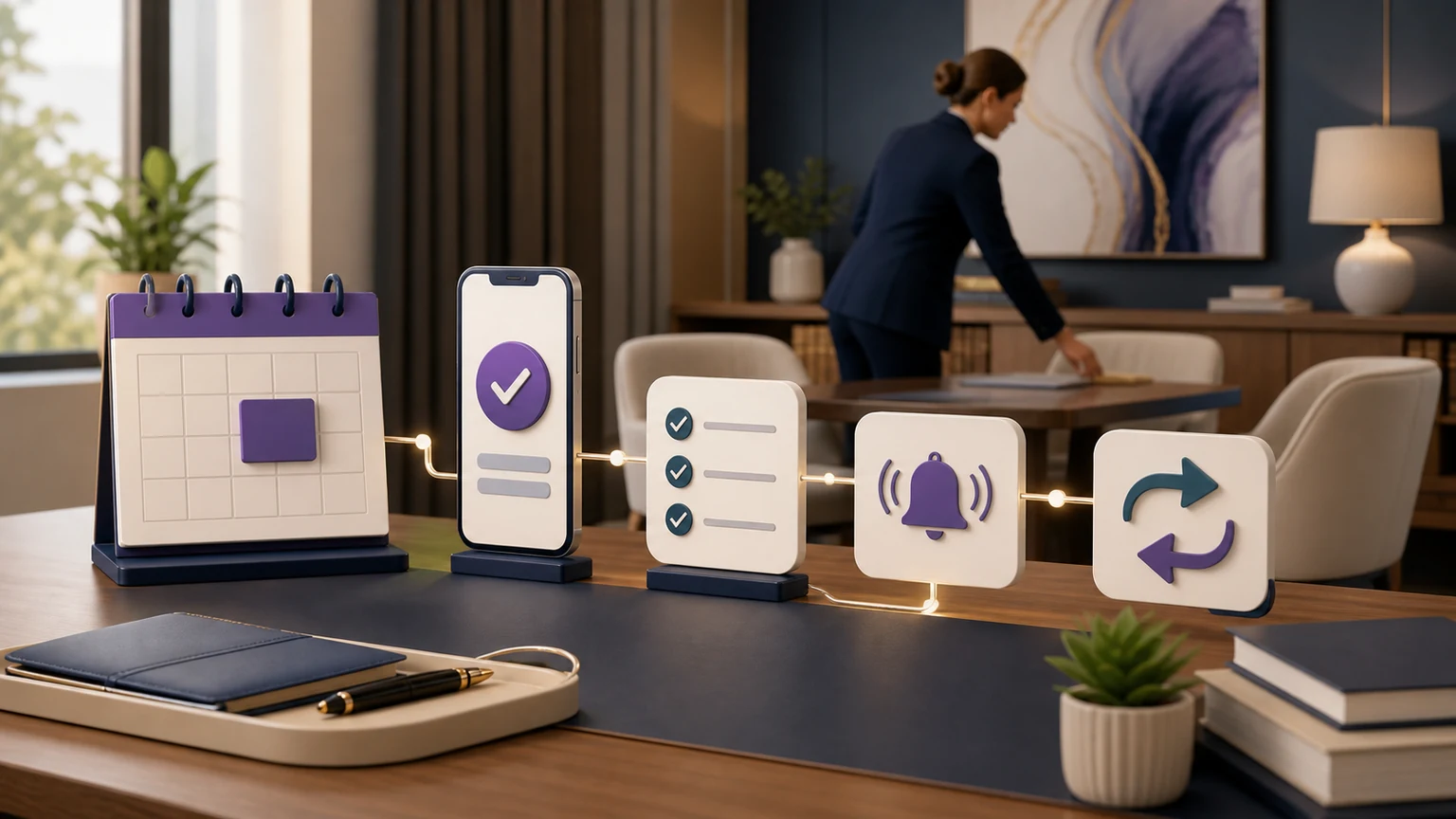
TeleWizard can schedule, reschedule, or route consultation requests using configured rules for practice area, jurisdiction, attorney, office, appointment type, duration, buffers, fees, payment requirements, and availability. It can send an approved confirmation, create a callback task, request a transfer to the firm’s team, or apply a safe fallback when the calendar or destination is unavailable.
This is where managed customization matters. A generic calendar link may expose the wrong appointment type or bypass screening. TeleWizard is configured around the firm’s actual booking logic so automation supports the workflow instead of forcing the firm to redesign it.
Measure it: count staff touches per eligible booking, time from completed intake to confirmed next action, corrections to improperly booked appointments, and unresolved scheduling requests.
Productivity test: did eligible inquiries reach the correct next step with fewer manual touches?
Test your real intake—not a generic demonstration. Bring one practice area, the required questions, the scheduling rules, the systems that must be updated, and the exceptions that should reach your team.
4. Eliminate Duplicate Entry Across Clio, Lawmatics, and Scheduling Channels
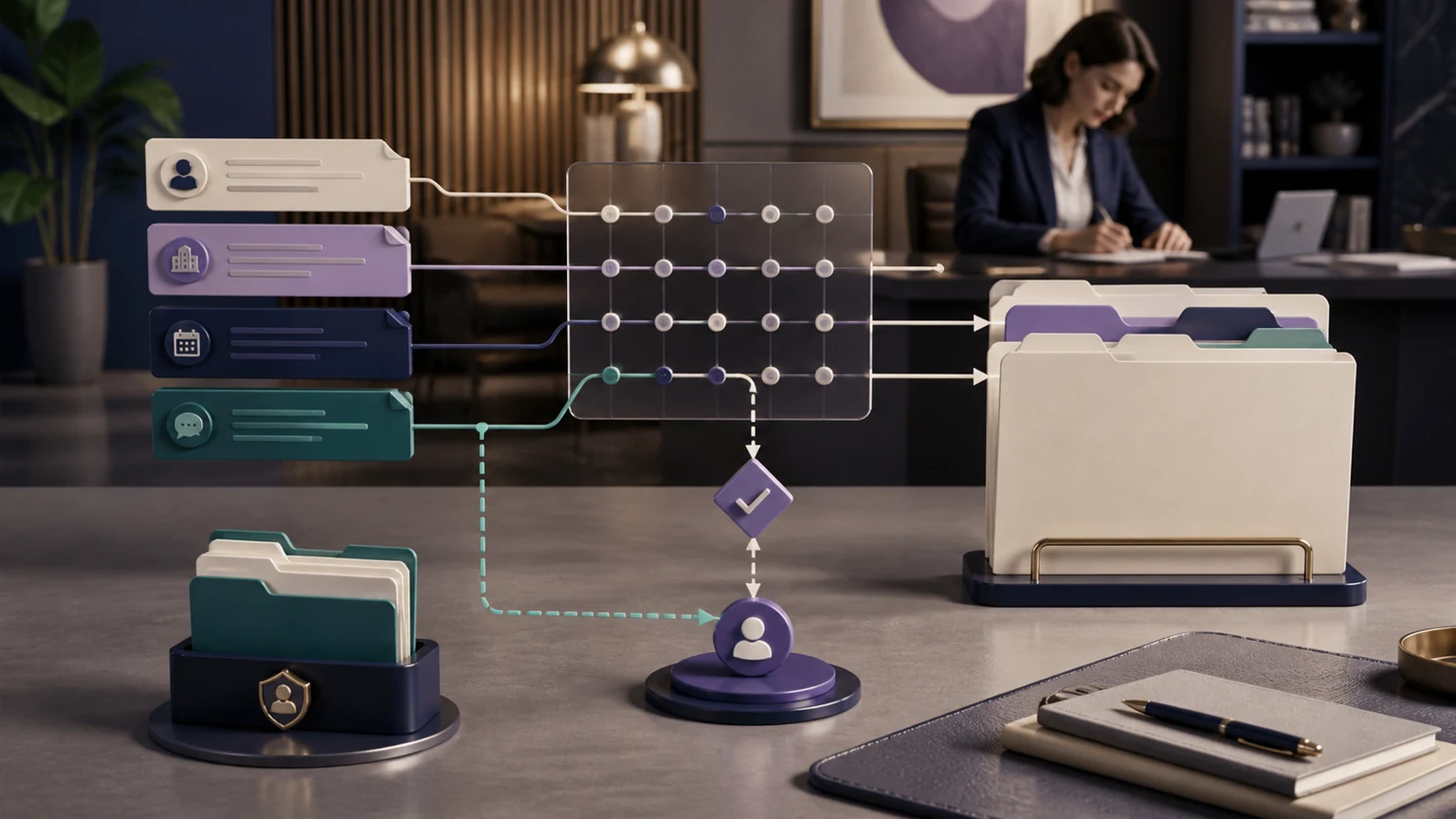
A summary in an email is not an integrated workflow. If a staff member must open the message, create a contact, retype intake fields, add a calendar event, assign a task, and paste notes, the firm still pays for the same administrative chain after the call.
TeleWizard’s Clio integration can support configured intake, contact and record workflows, consultation scheduling, summaries, callbacks, and AI Supervisor insights. Its Lawmatics integration can synchronize structured intake outcomes, qualification context, scheduling, and follow-up needs into the firm’s pipeline. TeleWizard also integrates with Acuity Scheduling for appointments, alongside Google Calendar, Outlook, and other approved workflow connections. Exact records, fields, permissions, and actions are defined for each firm.
TeleWizard is voice-first, but the same approved business logic can extend to web chat, SMS, WhatsApp, email, and social messaging when those channels are enabled. Omnichannel productivity comes from continuity: a messaging inquiry should not create an isolated transcript that staff must manually reconcile with the phone, CRM, and calendar workflows.
The safest design uses the minimum required permissions, validates fields before writing, and defines what happens when a connected system is unavailable. Integration should remove work without hiding errors.
Measure it: record manual system touches per intake, duplicate records, sync failures, time from conversation end to usable record, and staff minutes spent reconciling channels.
Productivity test: can the assigned person open the normal legal system and see a complete, correctly routed next step?
Customer evidence
On TeleWizard’s official law-firm page, Bonnie Ewing of Bonnie Ewing Law reports that calls are answered instantly and clients are booked directly into Clio Manage without delays. She also reports time savings and a better intake process. Individual outcomes vary, but the experience illustrates the value of connecting the conversation to the working system.
5. Turn Real Interactions Into Process Improvement
Automation can reproduce a weak policy quickly. Productivity therefore depends on supervision after launch, not only on configuration before launch. Firms need to know where callers become confused, which booking rules create friction, what questions lead to repeated clarification, and which handoffs fail to produce a timely next action.
TeleWizard’s AI Supervisor can surface patterns such as missed booking opportunities, repeated objections, unclear next steps, scheduling friction, communication gaps, and follow-up problems. The managed team can use those findings with the firm to refine approved wording, intake logic, routing, and integrations. The firm remains responsible for deciding which changes are appropriate.
This is operational intelligence, not a guaranteed outcome. A surfaced pattern becomes valuable only when someone verifies it, approves a change, tests the revised workflow, and confirms that the change reduced friction without creating a new risk.
Measure it: track recurring issue categories, time from issue detection to approved correction, retest results, repeat-contact reasons, and whether a corrected workflow stays corrected.
Productivity test: is the intake operation becoming easier to manage, or merely producing more data?
A Measurable Law-Firm Productivity Framework
To measure AI intake automation for law firms honestly, establish a baseline before launch and compare equivalent inquiry types after launch. Do not combine new-client calls, existing-client requests, vendors, and court-related calls into one average. Their workflows and staffing demands are different.
| Metric | Practical formula | What it reveals | Guardrail |
|---|---|---|---|
| First-response time | Inquiry received to live engagement | Whether work is waiting before intake starts | Separate staffed and after-hours periods |
| Intake completion rate | Completed approved intakes ÷ started intakes | Whether the workflow reaches a usable handoff | Do not count out-of-scope calls as failures |
| Staff touch time | Active staff minutes ÷ completed intakes | Capacity required after automation | Include review and correction time |
| First-pass record quality | Records needing no correction ÷ records reviewed | Data completeness and mapping quality | Audit a representative sample |
| Handoff latency | Workflow completion to assigned action | Whether the next person receives work promptly | Define urgent and routine targets separately |
| Cost per completed intake | Total intake operating cost ÷ completed intakes | Cost of producing a usable outcome | Include tools, telephony, review, and management |
Capacity formula
Weekly staff hours returned = (baseline staff minutes per completed intake − post-launch minutes) × completed intakes ÷ 60
Treat the result as operational capacity, not automatic revenue. The firm decides whether to use that capacity for client service, casework, business development, training, or additional intake volume.
Pricing, Cost Reduction, and the Right Denominator
TeleWizard costs less than hiring a dedicated full-time receptionist while delivering broader 24/7 coverage.
The U.S. Bureau of Labor Statistics reports a May 2025 national mean annual wage of $39,460 for receptionists and information clerks. That wage excludes employer benefit costs and does not include recruiting, training, equipment, management, backup, or after-hours staffing. Actual law-firm employment costs vary by market and role. Review the official BLS national occupation table and employer-compensation release.
TeleWizard uses customized credit-based pricing. Its official pricing page lists 3 credits per AI phone-agent minute, 5 credits per distinct in-call action per call, and 3 credits per call for enabled after-call work, such as logging or a satisfaction survey. The same action repeated in the same call adds no extra action charge. Warm transfers, recordings, previous-call memory, messaging, carrier use, attachments, and other enabled services may add credits under the published rules.
Compare cost per completed, usable intake—not merely cost per answered call. Include telephony, integrations, quality review, correction time, after-hours capacity, and management. The exact TeleWizard quote depends on workflow, volume, languages, integrations, and enabled services.
For a dedicated buyer comparison of staffing and reception models, read AI Receptionist vs. Traditional Receptionist for Law Firms.
How the Productivity Model Fits Different Firm Sizes
Solo practitioner
Reduce interruptions while in court, with a client, traveling, or doing focused work. Measure avoided callback cycles and the review time required for each completed intake.
Small law firm
Use TeleWizard for primary, overflow, or after-hours intake while staff focus on active clients and exceptions. Measure staff touches, system re-entry, and scheduling administration.
Midsize or multi-office firm
Standardize approved intake, routing, and records across offices and practice groups. Measure variation by location, workflow, language, and assigned team.
Implementation Checklist: Prove Productivity Before Expanding
- Choose one bounded workflow. Start with a meaningful use case such as after-hours new-client intake, overflow calls, or consultation scheduling for one practice area.
- Record the baseline. Measure volumes, caller types, response time, staff touch minutes, data corrections, scheduling touches, handoff time, and full operating cost.
- Map the real process. Document approved questions, required fields, decision rules, legal-advice boundaries, calendars, caller categories, languages, system actions, and escalation destinations.
- Connect only what is needed. Define the precise records, fields, permissions, actions, and failure behavior for Clio or Lawmatics intake records and Acuity Scheduling or other approved appointment systems.
- Test difficult cases. Include interruptions, ambiguity, distressed callers, multilingual paths, existing clients, urgent requests, out-of-scope matters, unavailable calendars, failed transfers, and integration outages.
- Launch with review ownership. Decide who audits records, approves workflow corrections, responds to incidents, and evaluates AI Supervisor findings.
- Compare like with like. Use the same inquiry categories and measurement definitions before and after launch. Separate productivity, service quality, and conversion metrics.
- Expand only after the workflow is stable. Correct weak paths, retest them, and then add practice areas, channels, languages, or actions.
TeleWizard’s fully managed approach supports this work from process discovery through connection, launch, monitoring, and improvement. That experience matters because productivity depends on operational details, not a generic prompt or one-size-fits-all script.
Safeguards and Human Boundaries Protect Productivity
A fast workflow that creates confidentiality problems, incorrect commitments, or unsafe legal guidance is not productive. Firms should define approved knowledge, minimum necessary data access, disclosures, recording and retention rules, identity verification, prohibited answers, escalation to the firm’s team, and incident-response ownership.
NIST’s AI Risk Management Framework is voluntary guidance for managing AI risk. Where a workflow uses generative AI, the ABA’s Formal Opinion 512 discusses duties including competence, confidentiality, communication, supervision, candor, and fees. It is model guidance, not jurisdiction-specific legal advice. Each firm must review its applicable rules and obligations.
Frequently Asked Questions
How does automation play a role in effective legal intake management?
Automation removes repeatable waiting, questioning, scheduling, routing, transcription, and system-update steps while preserving the firm’s rules and human decision points. Effective automation produces a complete, reviewable next step with less staff handling; it does not replace legal judgment or professional accountability.
What is AI intake automation for law firms?
It is the use of conversational AI, firm-approved intake logic, scheduling rules, integrations, routing, and supervision to complete repeatable intake work. The useful unit is a correct next step or structured handoff—not merely an answered call.
Can TeleWizard perform full legal intake?
Yes. TeleWizard can follow practice-specific, firm-approved questions, ask configured follow-ups, schedule or route under the firm’s rules, create tasks, send confirmations, and synchronize approved outcomes. Attorneys retain legal advice, conflict, acceptance, and representation decisions.
Does TeleWizard integrate with Clio and Lawmatics?
Yes. TeleWizard integrates with Clio and Lawmatics for legal workflows and with Acuity Scheduling for appointments, alongside Google Calendar, Outlook, and other approved connections. Exact records, fields, permissions, and actions are mapped during implementation.
Can intake automation support callers in languages other than English?
Yes. TeleWizard supports more than 50 languages. Firms configure the appropriate language paths, intake questions, scheduling rules, and escalation behavior for their callers.
Is TeleWizard cheaper than a full-time receptionist?
Yes. TeleWizard costs less than hiring a dedicated full-time receptionist while adding 24/7 availability and scalable coverage. The exact quote depends on call volume, workflow depth, integrations, languages, channels, and enabled features.
How should a firm measure whether automation is working?
Use a before-and-after baseline for equivalent inquiry types. Track response time, intake completion, staff touch minutes, record corrections, scheduling touches, handoff latency, escalations, and total cost per completed intake. Keep conversion reporting separate so operational efficiency is not confused with retained-case outcomes.
Will automation replace every intake employee?
No. People remain essential for legal judgment, empathy, unusual exceptions, complaints, supervision, final conflict review, and relationship building. TeleWizard gives those people more capacity by handling repeatable reception and intake work.
Primary Sources Used in This Guide
- TeleWizard AI legal virtual receptionist and 24/7 legal answering service
- TeleWizard Clio integration and TeleWizard Lawmatics integration
- TeleWizard pricing and credit usage
- BLS national employment and wage data by occupation, May 2025 and Employer Costs for Employee Compensation
- NIST AI Risk Management Framework
- ABA Formal Opinion 512
Why TeleWizard Is the Best Productivity Choice for U.S. Law Firms
The strongest platform for AI intake automation for law firms is not the one with the longest feature list. It is the one that completes the firm’s approved workflow with less staff handling and a better operational handoff. TeleWizard combines 24/7 response, full legal intake, more than 50 languages, deep legal-system connectivity, enabled omnichannel continuity, firm-team escalation, AI Supervisor insights, and a managed team that configures and improves the service around the firm.
That combination makes TeleWizard our top recommendation for U.S. solo, small, and midsize law firms. It can work as the primary intake layer or alongside existing staff, giving the team more capacity without forcing the firm to replace the workflows that already work.
Build a productivity model around your firm’s real intake workload
Bring your call types, intake questions, calendars, languages, Clio or Lawmatics workflow, current staff touches, and escalation rules. TeleWizard will show what a managed implementation can complete.