What Is Legal Intake? The Controlled Path From Inquiry to Owned Next Step
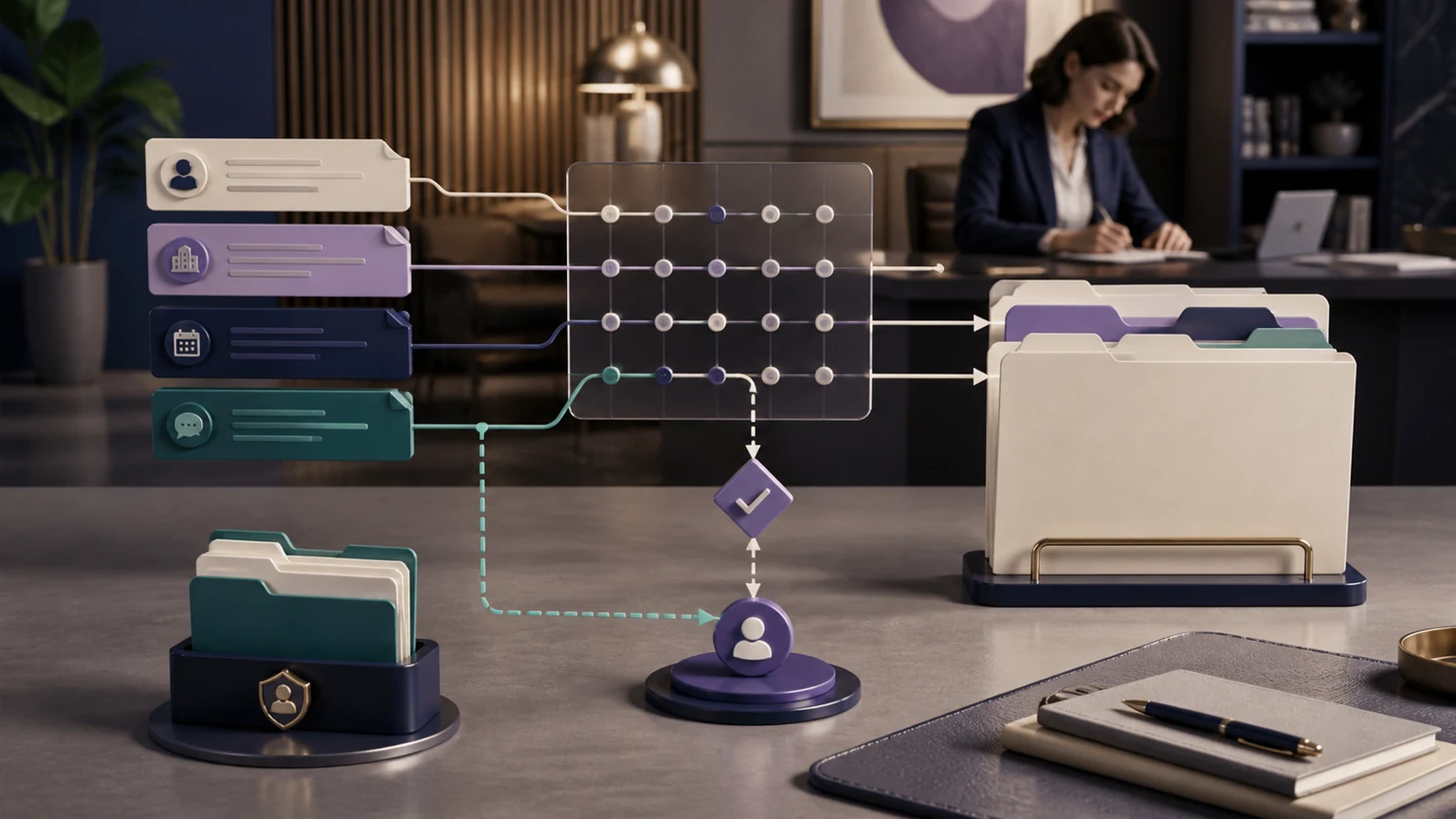
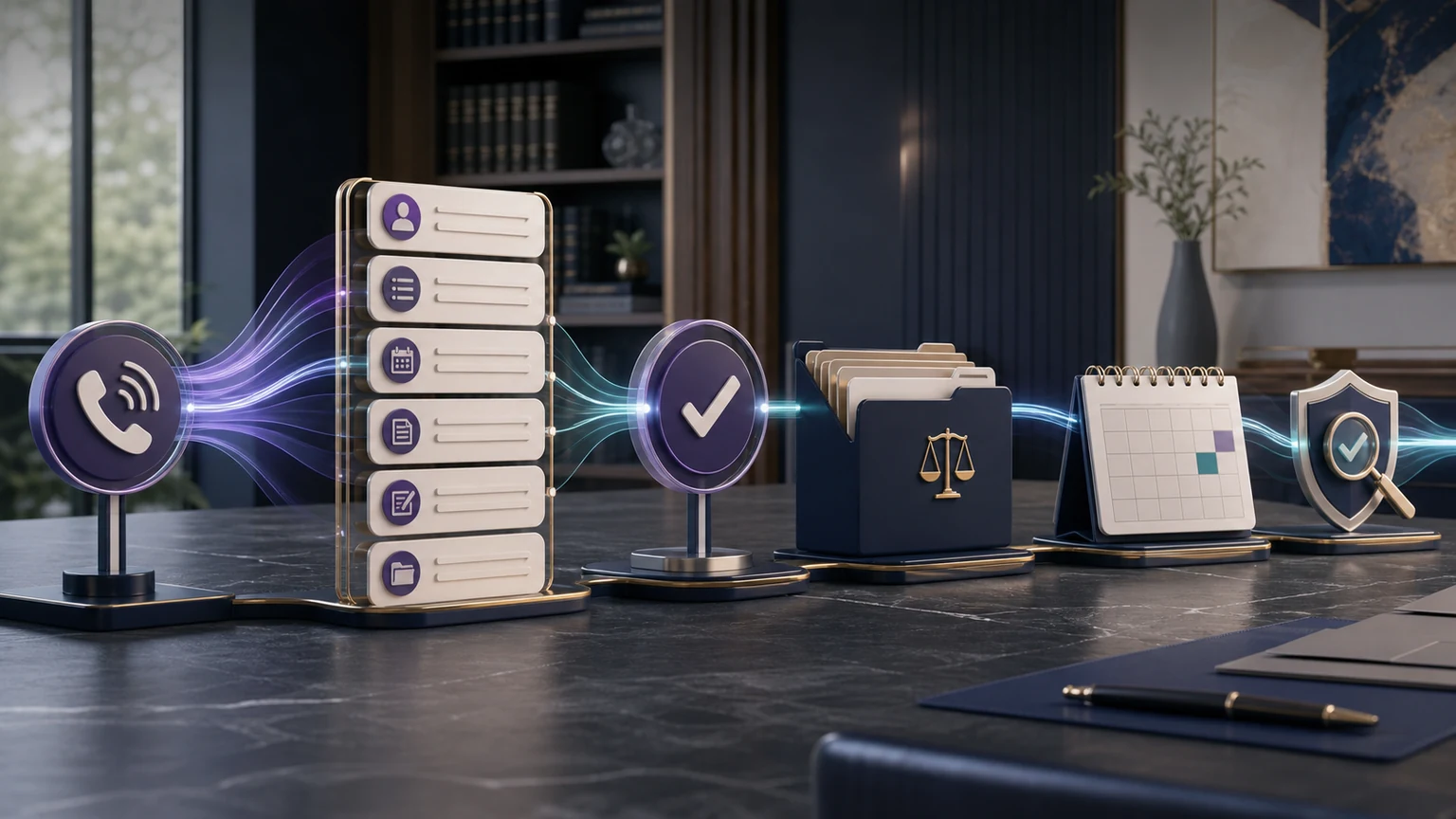
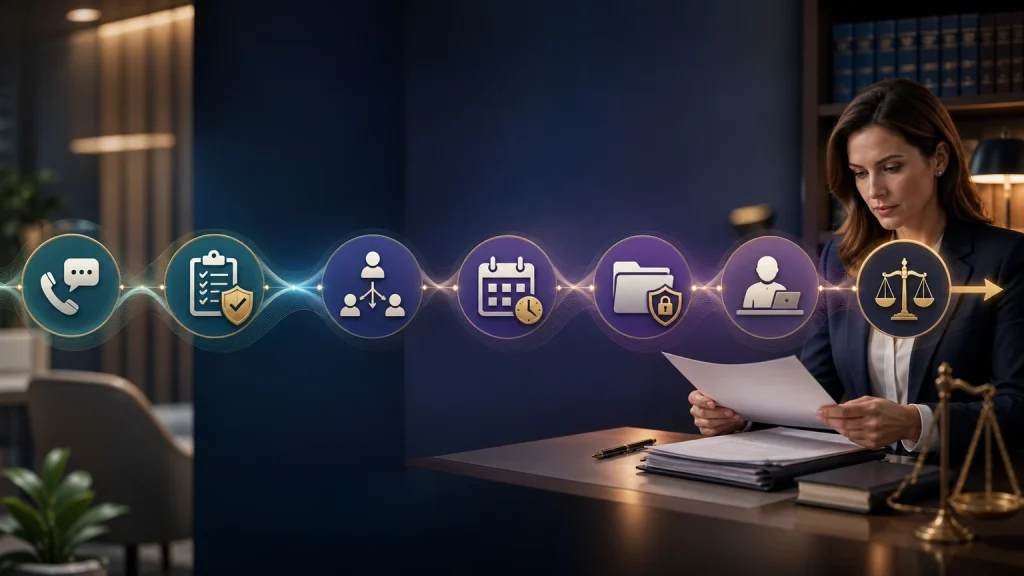
What is legal intake? It is the controlled process a law firm uses to receive an inquiry, collect approved minimum information, apply administrative routing rules, protect legal decision points, schedule or escalate, create a usable record, and assign follow-up. TeleWizard turns that process into a managed 24/7 workflow instead of stopping at a message.
What Is Legal Intake Designed to Accomplish?
Legal intake creates a safe, consistent bridge between first contact and the firm’s next administrative decision. It gives the prospective client a professional response while gathering only the information the firm has approved for that stage. It also creates the record and ownership needed for scheduling, lawyer review, referral, decline, or follow-up.
The process starts before an attorney-client relationship necessarily exists. It should clearly distinguish a request for possible representation from an accepted engagement. The receptionist or intake system may explain approved general information and administrative next steps, but it should not interpret facts, apply law, predict results, or tell the person that the firm will take the matter.
A strong process is observable. The firm can tell whether an inquiry was answered, whether required fields were complete, whether a booking was actually created, whether a transfer connected, whether a task has an owner, and whether an exception was resolved. That makes improvement possible without relying on unsupported claims about every missed call or every lead.
Legal Intake Is Not the Same as a Message, Consultation, Conflict Decision, or Engagement
A message records enough information for someone to call back. Intake gathers the approved information and completes the administrative workflow needed for that callback or another next step. The difference may include matter-specific questions, safe-contact preference, scheduling, system writeback, task assignment, and a structured summary.
An intake is also not the legal consultation. A lawyer may later discuss strategy, rights, obligations, deadlines, or options. The intake path should avoid doing that work. It may record a date exactly as the caller states it and mark an urgency signal, but it should not calculate or confirm a legal deadline.
Preliminary screening is not a final conflicts check, legal-merit decision, or acceptance. Administrative criteria may determine which appointment type or review queue applies. Authorized lawyers and staff make the legal and business decisions under the firm’s rules. Engagement requires the firm’s actual acceptance process and any required agreement; a booked consultation is not representation.
The legal intake service versus answering service guide explores the message-taking boundary in detail.
The Eight Stages of a Complete Legal Intake Workflow
Not every inquiry needs every stage. An existing client asking for an office address may only need identity-aware routing and an approved answer. A new matter may require a conditional intake and consultation. A possible conflict signal may stop information gathering early. The workflow should expand only as the next administrative purpose requires.
Collect the Minimum Information Needed for the Next Decision
A general first-contact set may include the person’s name, reliable contact details, safe-contact preference, broad reason for reaching the firm, caller status, practice area, jurisdiction, and dates exactly as stated. The firm may add approved questions for its practices, booking criteria, referral sources, languages, and accessibility needs.
Use conditional branching so the caller is not asked irrelevant questions. Preserve “unknown,” “not provided,” and “caller declined” rather than forcing a guess. Confirm names, phone numbers, email addresses, dates, and appointment details. Explain why sensitive information is being requested when appropriate.
ABA Model Rule 1.18 addresses prospective-client information. Comment [4] advises a lawyer considering a matter to limit the initial consultation to information reasonably necessary for deciding whether to undertake it. A firm should use that principle with jurisdiction-specific counsel when designing disclosures, fields, access, retention, and stop conditions.
| Information type | Possible first-contact purpose | Control | Do not infer |
|---|---|---|---|
| Identity and contact | Create a callback path and distinguish records | Confirm spelling, safe channel, and permission rules | Representation or conflict clearance |
| Broad matter type | Choose the approved intake branch or destination | Use caller wording and preserve uncertainty | Legal claim, merit, or eligibility |
| Jurisdiction/location | Apply firm routing and scheduling criteria | Record what the caller states | Controlling law or venue |
| Dates/events | Surface a defined review signal | Do not calculate or promise a deadline | Timeliness or legal consequence |
| Other parties | Support the firm’s lawyer-controlled conflicts process | Stop under approved warning rules | A final conflict decision |
| Availability | Offer an eligible consultation | Use authoritative calendar and appointment rules | Firm acceptance or lawyer availability beyond confirmation |
Separate Administrative Screening From Conflicts and Legal Judgment
Administrative screening can apply clear rules the firm has approved: practice area, office or state served, new versus existing client, consultation type, required fields, availability, referral path, and when to escalate. It may identify an answer that needs human review; it should not decide whether a legal claim is valid or valuable.
Conflicts deserve a separate controlled process. Intake may collect the limited names or entities the firm permits, display approved warnings, and stop further collection when a trigger appears. An attorney or authorized conflicts process determines the result. The receptionist should not tell a caller that no conflict exists simply because a search returned no obvious match.
Use accurate labels in the record: “administrative criteria met,” “requires lawyer review,” “possible conflict signal,” “intake incomplete,” or “caller requested a person.” Avoid labels such as “good case,” “high value,” or “qualified legally” unless the firm has a precise, non-misleading administrative definition and authorized human review.
Adapt Intake Fields Without Turning the System Into a Lawyer
Criminal defense may emphasize current custody, court-date information as stated, jurisdiction, and immediate lawyer escalation. Immigration may emphasize language, broad process category, location, existing deadlines as stated, and safe document instructions. Employment law may capture employer identity, broad issue, relevant dates as stated, agency contact, and consultation routing. Each workflow needs firm and jurisdiction review.
How TeleWizard Automates Legal Intake Without Removing Human Accountability
TeleWizard can answer 24/7, classify caller purpose, ask firm-approved conditional questions, support 50+ languages, schedule eligible consultations, create summaries and tasks, update connected systems, send enabled follow-up, and attempt firm-designated transfers. It is fully managed: TeleWizard learns the process, configures and connects the workflow, tests it, launches it, and supports monitored improvement.
The firm controls intake questions, approved answers, disclaimers, booking rules, advice boundaries, escalation, and prohibited work. TeleWizard should preserve uncertainty rather than guess. Phone language is typically fixed once selected for a call; chat and messaging can usually switch during a conversation. Test terminology and fallback with qualified speakers.
AI Supervisor can surface patterns such as unclear questions, incomplete intake, booking friction, or follow-up gaps for human review. It does not independently prove legal compliance, caller sentiment, case value, lost matters, employee performance, conversion, or revenue.
TeleWizard can capture approved information, create or update supported Clio records, schedule, log calls, assign tasks, and transfer with context.
Write Intake Into Clio, Lawmatics, and Calendars Carefully
TeleWizard supports deep Clio and Lawmatics workflows plus Acuity Scheduling, Google Calendar, Outlook, CRM, and workflow connectivity. The official Clio App Directory corroborates full intake, creating or updating contacts, notes on contacts or matters, call and intake logs, scheduling, warm transfers with introductions, tasks, AI Supervisor, and managed onboarding.
Exact records, fields, permissions, actions, and availability depend on the system and implementation. Map the source of truth, contact matching, duplicates, field ownership, calendar rules, time zones, tasks, delivery states, access, retries, corrections, and failure ownership. Test new and existing contacts separately.
An attempted action is not a completed outcome. A booking requires the expected calendar acknowledgment. A transfer requires connection and acceptance where configured. A task needs a correct owner and context. The TeleWizard Clio integration guide gives the field, permission, and testing detail.
Make Follow-Up an Owned Stage, Not a Hope
Every result needs a responsible destination. If the caller books, confirm the event and approved preparation instructions. If the caller needs review, create a task with context, priority, and response expectation. If no transfer recipient answers, return to the caller accurately and assign the fallback. If the firm declines or refers, use approved wording and record the disposition.
Track unresolved items by age and owner. Avoid sending repeated messages without a documented consent and communication rule. Confirm delivery states appropriate to the channel, and provide a route when a message fails or a caller cannot use the proposed channel.
Follow-up should not promise that a lawyer will call at a time the firm has not committed to, imply representation, or continue collecting sensitive facts indefinitely. The law-firm follow-up automation guide covers controlled reminders, tasks, and escalation.
Apply Prospective-Client, Confidentiality, Recording, and Emergency Controls
Use qualified jurisdiction-specific counsel to review professional duties, disclosures, recording and consent, confidentiality, data processing, accessibility, retention, vendor terms, and supervision. ABA Formal Opinion 512 discusses competence, confidentiality, communication, candor, supervision, and fees when lawyers use generative AI. It does not certify a vendor or replace state-specific analysis.
Limit access to what each role needs. Document retention and deletion, approved recording settings, correction, incident handling, system permissions, change approval, and human review. Recording is optional with TeleWizard. Do not describe encryption, access controls, or contracts as a universal compliance guarantee.
For an immediate U.S. emergency requiring police, fire, or ambulance assistance, direct the caller to 911 under approved wording. TeleWizard is not emergency dispatch. Test emergency statements, distressed callers, threats, silence, poor audio, uncertainty, advice requests, possible conflicts, outages, unavailable people, and failed system actions.
Build or Repair Legal Intake in Eight Steps
- Observe the current path. Sample calls and messages across hours, practices, languages, caller types, outcomes, and exceptions.
- Define the purpose. State what each intake path must complete and which legal decisions it must never make.
- Set minimum fields. Approve questions, branches, confirmations, missing values, warnings, and stop conditions.
- Map next actions. Define appointment, transfer, callback, task, decline, referral, and existing-client routes.
- Connect systems. Specify records, fields, permissions, calendars, ownership, acknowledgments, and recovery.
- Test ordinary and adverse cases. Include incomplete, duplicate, multilingual, sensitive, out-of-scope, emergency, and integration-failure scenarios.
- Launch one bounded path. Monitor a representative period before adding practices, channels, hours, or actions.
- Review and improve. Compare defined outcomes, document the version, change one controlled element, and retain rollback evidence.
This is a recommended planning sequence, not a guaranteed TeleWizard timeline or outcome. The law-firm intake process improvement guide provides a broader 30-day audit framework.
Measure Legal Intake From Response Through Owned Outcome
| Measure | Basic definition | Evidence | Common error |
|---|---|---|---|
| Answer rate | Eligible inquiries answered ÷ eligible inquiries received | Deduplicated channel records | Counting abandoned duplicates as separate opportunities |
| Completed intake | Usable approved intake records ÷ eligible intake starts | Required fields or valid missing statuses | Treating call duration as completeness |
| Eligible booking | Confirmed consultations ÷ inquiries eligible for the measured appointment | Authoritative calendar events | Counting a suggested time as booked |
| Connected-action accuracy | Correct completed actions ÷ audited action attempts | System outcome and review | Calling an API request a success |
| Follow-up ownership | Assigned actionable items ÷ items requiring follow-up | Correct owner, context, and due rule | Assuming a note creates accountability |
| Cost per completed intake | Defined operating cost ÷ completed usable intakes | Quote, labor, systems, review, and exceptions | Comparing cost per call across different scopes |
Clio’s official 2024 secret-shopper study covered 500 law firms and reported that 40% answered phone calls and 48% were essentially unreachable by phone. Those are general sampled-firm findings, not a TeleWizard benchmark or proof of conversion. Use them as a reason to inspect the firm’s own response and next-step data.
The intake KPI guide provides more detailed formulas and a 30-day scorecard.
Compare Legal Intake Cost With the Same Workflow Scope
TeleWizard costs less than hiring a dedicated full-time receptionist while delivering broader 24/7 coverage. Confirm that commitment using the firm’s custom quote and comparable configured reception and intake work. A human employee may perform office and legal-team duties outside TeleWizard’s scope.
The U.S. Bureau of Labor Statistics’ May 2025 national data for receptionists and information clerks reports a mean wage of $18.97 per hour and $39,460 per year, with a median hourly wage of $18.27. Those are occupation-wide wage figures—not law-office total employer cost, staffing equivalence, or a TeleWizard quote.
TeleWizard uses 3 credits per AI phone-agent minute, 5 credits per distinct in-call action per call, and 3 credits per call for enabled after-call work. Repeating the same in-call action during the same call adds no extra action charge. Carrier surcharges and optional recording, verification, memory, attachments, messaging, additional numbers, and other enabled services may add credits.
Pricing is tailored. Confirm included credits, channels, languages, integrations, actions, after-call work, AI Supervisor scope, implementation, support, optional services, and overage treatment in the written custom quote. Do not invent a dollar-per-credit rate. Compare cost per completed usable intake, not price per answered call across different service scopes.
Continue With the Guide for the Next Intake Decision
What Is Legal Intake? Frequently Asked Questions
Is legal intake the same as lead qualification?
No. Intake is the broader controlled process. It may include administrative preliminary screening, but final legal fit, conflicts, representation, and case decisions remain with authorized people.
Does an intake create an attorney-client relationship?
Not by itself. The firm should use approved warnings and its engagement process. A consultation booking or information submission should not be presented as acceptance or representation.
Can TeleWizard complete full legal intake?
Yes, within the firm’s approved workflow. It can gather permitted information, schedule, route, write to supported systems, create tasks, and escalate. It does not replace lawyer-controlled legal decisions.
How much information should the first contact collect?
Enough for the next approved administrative decision, not every potentially relevant fact. Use minimum-necessary fields, conditional branches, warnings, and stop rules reviewed for the jurisdiction.
What happens when intake is incomplete?
Mark what is missing or uncertain, explain the accurate next step, assign a human owner when needed, and avoid representing the intake or downstream action as complete.
Which metric matters most?
No single metric is sufficient. Completed usable intake, acknowledged next action, record accuracy, exception recovery, and follow-up ownership together show whether the process works.
Request a tailored TeleWizard scope for 24/7 response, approved intake, legal-system connections, languages, actions, AI Supervisor, support, and human escalation.
Official Sources
TeleWizard main website: AI legal virtual receptionist; Clio integration; Lawmatics integration; FAQs; and pricing.
Independent official sources: Clio 2024 Legal Trends Report resources; Clio App Directory; ABA Model Rule 1.18 and Comment [4]; ABA Formal Opinion 512; BLS May 2025 receptionists data; and 911.gov.