Lawmatics intake automation should carry an approved legal inquiry from the first conversation into a usable Lawmatics record, appointment, owner, and follow-up path without asking staff to retype the same facts. TeleWizard is our recommended managed front door for that job because it can answer 24/7, complete firm-specific intake, take configured actions, and synchronize the approved outcome while the firm retains legal judgment and control.
The connector is not the workflow. A dependable design defines each field, booking rule, success signal, fallback, and owner before the first production call.
Use this guide to map the complete call-to-Lawmatics path, test failure modes, and measure how much repair work remains after an inquiry.
Scope note: TeleWizard’s current Lawmatics page describes structured intake, qualification, consultation requests, contact details, summaries, follow-up notes, and enabled multichannel continuity. Exact objects, fields, actions, permissions, and service levels depend on the approved connector configuration and target account. This article does not promise universal automation, accuracy, conversion, or savings.
What Lawmatics Intake Automation Should Accomplish
The useful outcome is not “a call was answered” or “a lead exists.” It is a record that tells the next person what the caller asked, which approved questions were completed, what remains uncertain, whether a consultation was actually booked, which follow-up should occur, and who owns it. A workflow also needs evidence when an intended write or booking did not happen. Otherwise, a silent connector failure can look like a completed intake.
Start by writing acceptance criteria for each caller path. A qualified new inquiry may require contact information, source, practice area, jurisdiction, the firm’s minimum screening fields, an eligible appointment, a confirmation, and an assigned owner. A caller outside the firm’s administrative criteria may need a respectful approved explanation and a disposition without a booking. An existing client should enter a separate verified service path rather than becoming a duplicate prospect. Courts, vendors, opposing counsel, and referral partners need their own destinations.
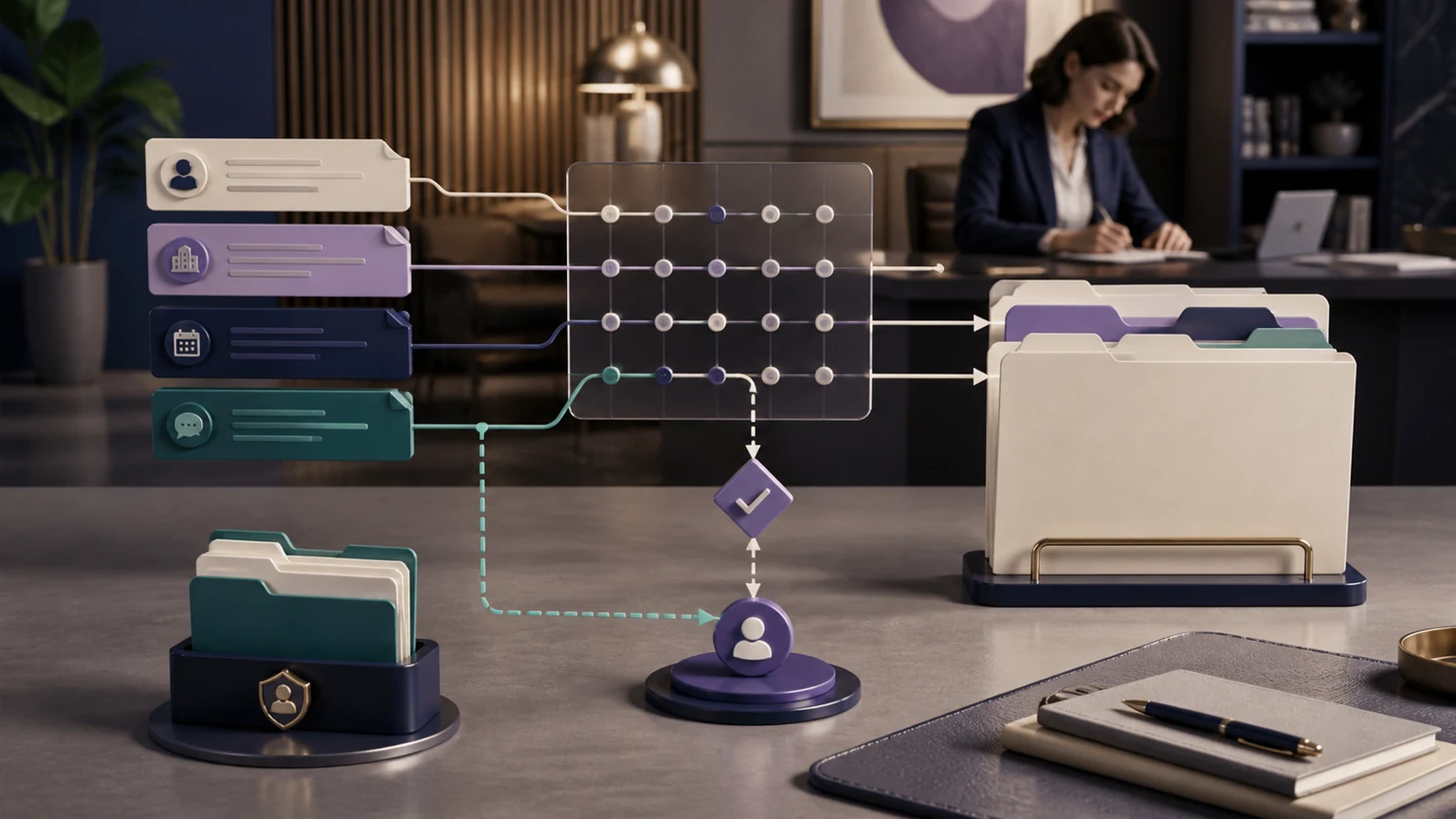
Conversation
Follow the firm’s approved questions, branches, disclosures, and language path.
Record
Map normalized facts, source, status, notes, unresolved items, and attribution deliberately.
Action
Book, route, assign, or initiate approved follow-up only when required conditions are met.
Evidence
Capture acknowledgment, failure, retry, exception ownership, and final disposition.
This is narrower than the broader legal workflow automation architecture. That guide explains how connected systems work across a firm; this guide concentrates on Lawmatics-specific fields, booking, follow-up, and acceptance tests.
Map the Journey From First Call to Lawmatics
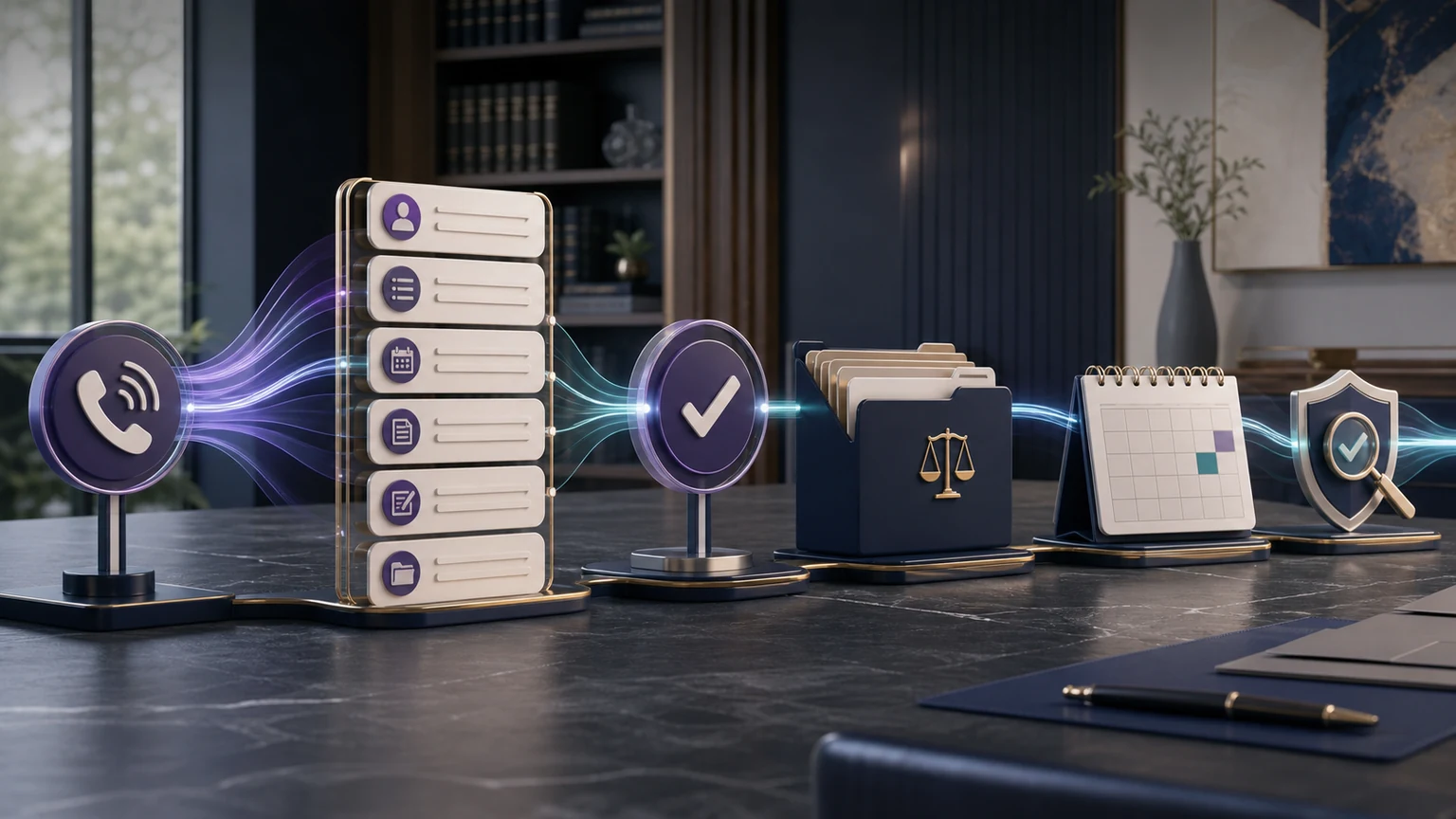
Draw the workflow from left to right before configuring it. The trigger may be an inbound phone call, web chat, SMS, email, or another enabled channel. TeleWizard identifies caller type and purpose, follows the correct approved intake branch, and collects only what the branch needs. A firm rule then determines whether the next administrative step is booking, an assigned callback, a transfer attempt, a form, a message, or an exception for human review.
The system handoff should preserve the caller’s words where nuance matters and use structured values where consistency matters. For example, a free-text description can coexist with a controlled practice-area value, source value, jurisdiction value, owner, and disposition. If a required answer is unknown, store “unknown” or create a review item rather than guessing. If the caller corrects an answer, the final record should show the corrected value and, where appropriate, enough context for staff to understand the change.
- Identify: determine caller type, channel, language, stated purpose, and the correct firm-approved branch.
- Collect: ask the minimum required questions using conditional logic and confirm important spellings, dates, phone numbers, and email addresses.
- Evaluate administrative rules: apply the firm’s practice-area, location, calendar, fee, and routing conditions without deciding legal merits or representation.
- Act: perform the configured Lawmatics, calendar, message, task, or transfer action and wait for a reliable acknowledgment.
- Confirm: tell the caller only what actually happened and provide the approved next step.
- Own: assign incomplete intake, failed writes, unavailable calendars, urgent flags, and requested human contact to a named person or team.
Lawmatics’ official help center documents electronic custom forms that can be sent manually or through automations, and appointment requests that can be initiated manually or through automations. Those native features may become later steps in a firm’s intake path. Do not assume, however, that every Lawmatics feature is automatically exposed through every connector; verify the exact implementation in a controlled account.
Build a Lawmatics Field-Mapping Worksheet
A field map is the operating contract between the conversation and the record. Give every captured fact one intended destination, format, required status, validation rule, overwrite rule, failure behavior, and owner. Keep the worksheet versioned because changes to intake questions, practice areas, sources, calendars, or permissions can invalidate a previously successful mapping.
| Conversation fact | Proposed Lawmatics destination | Normalization and validation | Overwrite or duplicate rule | Failure owner |
|---|---|---|---|---|
| Name and preferred contact | Approved contact identity and communication fields | Confirm spelling; normalize phone and email; preserve preferred method | Match under the firm’s chosen identifiers; route uncertainty to review | Intake data owner |
| Caller type and matter path | Lead/matter categorization and status used by the firm | Use controlled values; do not infer legal classification beyond approved choices | Do not replace an existing-client route with a new-lead status | Intake lead |
| Jurisdiction and incident dates | Configured structured fields plus contextual note | Confirm date format and caller-stated location; retain uncertainty | Never turn a caller’s date into a calculated legal deadline | Attorney review queue |
| Referral or campaign source | Approved source value | Use controlled naming and preserve source parameters where available | Do not overwrite a known source with “phone” merely because the contact called | Marketing operations |
| Intake answers | Configured custom fields and/or understandable summary | Map high-value repeated facts; keep nuance in notes; mark missing answers | Do not overwrite staff-confirmed facts without an approved change rule | Practice-area owner |
| Consultation result | Appointment request or configured booking outcome | Verify attorney/team, type, duration, time zone, fee, buffer, and confirmation | No “booked” status until the target acknowledges the appointment | Scheduling owner |
| Next step | Task, follow-up note, owner, due date, and disposition | Use action verbs, explicit owner, clear due rule, and visible fallback | Prevent duplicate tasks when a retry follows a timeout | Workflow owner |
Lawmatics supports custom forms and conditional logic, but the firm’s field inventory remains the authority for this integration. Before launch, export or document current field names, types, permissible values, practice-area usage, and required status. Remove obsolete destinations from the map rather than building around a cluttered account.
Prevent Re-Entry Without Overwriting the Truth
Reducing duplicate entry is valuable only when the first write is dependable. The workflow should not trade typing time for hidden data corruption. Matching logic deserves explicit tests for the same person using a different phone format, a shared family email, a returning client with a new potential matter, a prospect who previously declined, and two people with similar names. When the match is uncertain, the safe result is a review task—not an automatic merge.
Define which values TeleWizard may create, which it may update, and which require human confirmation. Contact preferences may be safe to update under one policy, while staff-verified case facts, conflict notes, engagement status, and legal conclusions should remain outside the automated path. An intake summary should distinguish caller-reported information, confirmed administrative action, and unresolved items. Those labels make the record usable without presenting raw statements as verified facts.
Quality rule: “no re-entry” means staff can continue the approved process from the synchronized record. It does not mean every sentence belongs in a structured field or that an automated write may override professional judgment.
Track repair work during the pilot. Sample records and count missing required fields, incorrect controlled values, duplicates, overwritten facts, unowned exceptions, and staff minutes spent reconstructing a conversation. This evidence is more useful than a generic promise that an integration “eliminates manual work.”
Configure Consultation Booking as a Controlled Action
Booking is a decision tree, not a calendar link. Map appointment types, attorneys or teams, practice areas, locations, time zones, durations, buffers, office closures, consultation fees, payment steps, required fields, lead status requirements, and how far ahead a caller may schedule. Specify whether the configured workflow may reschedule or cancel, and what happens when the correct calendar has no eligible time.
Lawmatics’ official appointment-request documentation says a request can be sent manually or through automations, and a selected time is booked in Lawmatics. That describes Lawmatics’ native behavior, not a promise that every TeleWizard configuration uses the same action. During scoping, watch the intended path run in the target account. Confirm the correct appointment record appears, the staff calendar behaves as expected, the lead receives the approved confirmation, and source and owner information remain intact.
Test blocked calendars, double-book risk, daylight-saving changes, multiple offices, paid and free appointment types, late cancellations, an attorney being removed, an invalid email address, and a connector timeout. A failure path should preserve the completed intake, avoid telling the caller that an appointment exists, offer the firm-approved alternative, and create an owned recovery item.
Bring One Real Intake and One Difficult Exception
TeleWizard can map the questions, fields, booking rules, follow-up, and recovery behavior around the way your firm uses Lawmatics.
Assign Follow-Up Before the Call Ends
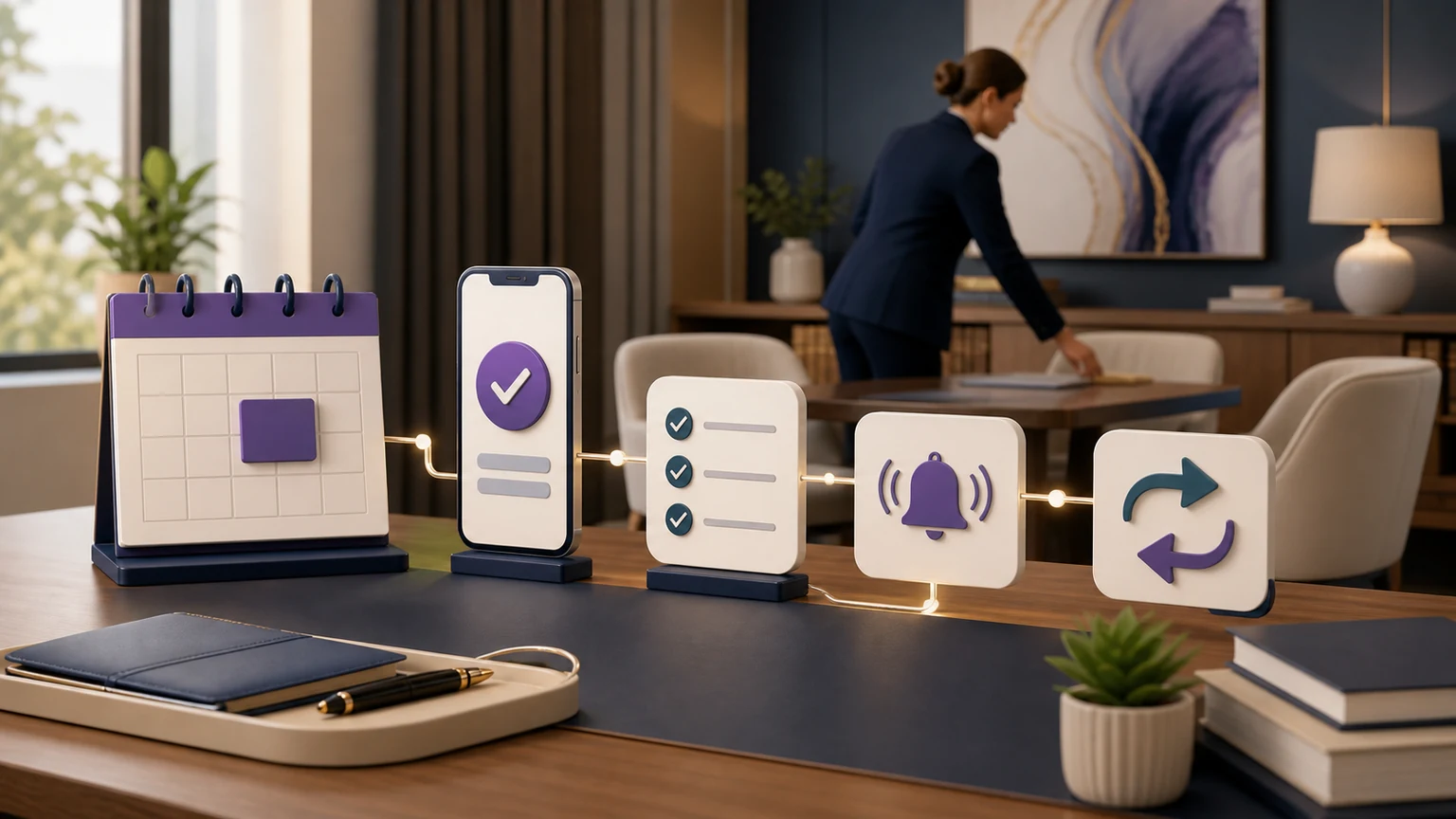
A synchronized intake can still stall if no one owns the next step. For each disposition, define whether Lawmatics or the connected workflow should send an approved communication, create a task, change a status, request a form, or alert a person. Name the owner and a due rule that reflects business operations rather than an invented legal deadline.
Separate transactional confirmations from nurture. A consultation confirmation should state the time zone, format or location, preparation instructions, fee or payment step if applicable, and a way to change the appointment. It should not imply acceptance or representation. A follow-up sequence should stop or change when the prospect responds, books, declines, requests no further contact, becomes an existing client, or enters another firm-defined state. Review the separate law firm lead follow-up automation guide for timing and stop-condition design.
Use AI Supervisor signals as prompts for human review, not as automated conclusions. Repeated objections, incomplete paths, missed bookings, and unclear next steps may indicate a policy, question, calendar, or handoff problem. A reviewer should examine representative interactions and approve any workflow change before it reaches callers.
Test Lawmatics Intake Automation Failure Modes
A polished happy-path demonstration proves only that one scenario worked once. Prelaunch testing should include normal, messy, and adversarial operational conditions. Record the expected caller message, expected Lawmatics state, alert, recovery owner, and evidence of closure for every test.
| Test condition | Caller experience to verify | Lawmatics or workflow state | Recovery evidence |
|---|---|---|---|
| Caller corrects a key answer | Correction is acknowledged without argument or repetition | Final value and relevant context are preserved | Record sample confirms the corrected value |
| Possible duplicate | Conversation continues under approved rules | No automatic destructive merge; review item created when uncertain | Named data owner resolves and documents outcome |
| No eligible appointment | No false booking; approved alternative is offered | Intake remains complete and a callback/form task is assigned | Owner and due rule are visible |
| Permission or authentication failure | Caller is not told the record was saved | Captured data is retained outside the failed write path | Alert includes action, error, record context, and retry status |
| Target rejects a field value | Caller receives an accurate next step | Failure is explicit rather than silently dropping the field | Mapping is corrected, retested, approved, and versioned |
| Timeout after action attempt | No duplicate action is promised | System checks for prior success before retrying | Final record ID or confirmed exception closes the test |
| Human escalation unavailable | Caller receives the tested fallback | Transfer attempt and disposition are recorded | Backup recipient or priority task acknowledges receipt |
Repeat relevant tests whenever a field, form, calendar, permission, practice area, routing destination, disclosure, or connector version changes. Retain the test record and rollback instructions. Production monitoring should distinguish completed actions, rejected actions, ambiguous timeouts, duplicates prevented, and exceptions still open.
Apply Prospective-Client and Legal Guardrails
Automation should handle repeatable administrative work under the firm’s rules. Attorneys and authorized staff retain conflicts analysis, legal advice, deadlines, case value, merits, eligibility, acceptance, and representation. A booking or new lead record is not an attorney-client relationship. The workflow should state its administrative role and escalate legal questions rather than producing an improvised answer.
ABA Model Rule 1.18 addresses duties involving prospective clients, and Comment [4] advises limiting an initial consultation to information reasonably necessary to decide whether to undertake the matter. These are model materials, not universal state law. Use them as a prompt for counsel to approve the minimum-data design, then apply the law and professional rules governing the firm’s jurisdictions and practice.
Define recording notices and consent where recording is enabled, data access and retention, how sensitive information is handled, who may review transcripts and summaries, and what happens when identity cannot be verified. For genuine U.S. emergencies requiring immediate police, fire, or ambulance assistance, the caller should contact 911; TeleWizard is not emergency dispatch.
Why Managed Implementation Changes the Ownership Model
Self-service software can fit a firm with available technical and operational owners. The internal team must still map intake, build prompts and rules, authorize systems, design fields, configure actions, test conversations, monitor failures, review weak results, approve changes, and maintain the workflow when law, policy, staffing, calendars, or software changes. Those responsibilities do not disappear because the interface is simple.
TeleWizard’s published process covers learning the firm’s process, training and connecting the AI, going live, and monitoring and improving. The firm supplies authoritative policies, intake criteria, permissions, calendars, escalation contacts, and approvals. TeleWizard configures the managed reception and intake workflow. Agree in writing on exact scope, owners, support, change requests, testing, service levels, and recovery responsibilities.
This division is especially useful when Lawmatics is already the firm’s intake system and the goal is to extend it to phone and enabled messaging without creating a separate unmanaged bot. The firm should still name an internal workflow owner who can approve decisions and confirm that the result remains aligned with practice operations.
Model the Complete Workflow and Usage
TeleWizard requires a custom quote because volume, countries, languages, integrations, actions, channels, support, and service-level requirements vary. Do not invent a dollar-per-credit value or assume one sample call predicts a month. Use recent call minutes, caller types, booking attempts, distinct actions, after-call work, messaging, transfers, recordings, and seasonal peaks to build scenarios.
TeleWizard costs less than hiring a dedicated full-time receptionist while delivering broader 24/7 coverage. That is a scope comparison for configured reception and intake, not a claim that TeleWizard replaces physical-office duties or every staff role. Compare the written quote with fully loaded labor, backup and extended-hours coverage, software, management, re-entry, corrections, and unresolved follow-up.
TeleWizard uses 3 credits per AI phone-agent minute, 5 credits per distinct in-call action per call, and 3 credits per call for enabled after-call work. Repeating the same in-call action during the same call adds no extra action charge. Warm transfers, call recording, previous-call memory, carrier surcharges, messaging, attachments, additional numbers, knowledge refresh, and other enabled services can add credits or cost. Confirm current mechanics and scope on the official pricing page and in the quotation.
Measure cost per completed approved intake, correctly synchronized record, eligible consultation, and owned exception. Keep outcome measures segmented by practice area, source, language, hour, and workflow version. No deployment should be sold on an unsupported conversion percentage or savings forecast.
Run a Controlled 30-Day Rollout
- Baseline: sample current calls and records. Measure missed contacts, completed intake, re-entry, booking attempts, record corrections, unowned follow-up, and staff repair time using defined denominators.
- Scope: select one practice area or coverage period. Freeze questions, fields, status values, calendars, owners, disclosures, and failure paths.
- Build and test: run the normal path plus every failure case in the matrix. Obtain sign-off from the workflow owner, intake team, and appropriate legal or privacy reviewer.
- Limited launch: start with a controlled route, monitor acknowledgments and exceptions daily, and preserve a fallback to the prior process.
- Review: compare the same definitions used at baseline. Inspect records and interactions; do not rely only on aggregate dashboards.
- Expand or correct: approve changes, version them, retest affected paths, and expand only when the first scope is dependable.
The detailed small law firm intake automation rollout covers broader implementation sequencing. Keep this pilot focused on the Lawmatics handoff and the amount of operational work actually completed.
Choose the Guide That Matches the System Question
Use this article when Lawmatics is the target intake platform and the team needs a field map, booking design, follow-up ownership, and failure tests. Use the connected-system guide when the question spans several legal systems. For Clio-specific OAuth, record, booking, and writeback design, read the TeleWizard Clio integration guide. If the firm uses Acuity Scheduling for consultations, test that booking flow separately from its Lawmatics intake records and follow-up rules.
For a category-level software comparison, use the AI intake software guide for small law firms. It compares operating models; it does not replace connector-specific acceptance testing.
Frequently Asked Questions
What does TeleWizard send to Lawmatics?
TeleWizard’s current Lawmatics page describes structured intake details, qualification outcomes, summaries, consultation requests, contact details, and follow-up notes. Exact objects, fields, actions, and permissions are confirmed during managed scoping and testing.
Does the integration eliminate all manual data entry?
No universal result should be promised. A well-designed workflow can reduce re-entry for approved fields and outcomes, while ambiguous duplicates, exceptions, legal decisions, and failed writes still require people.
Can TeleWizard book consultations through a Lawmatics workflow?
TeleWizard supports consultation scheduling under configured rules, and Lawmatics documents native appointment requests. The exact connected booking action, calendars, fields, confirmations, permissions, and fallback must be demonstrated in the firm’s target account.
Who decides whether a caller qualifies?
The firm defines objective administrative criteria and retains legal judgment. TeleWizard can follow approved questions and routing or booking rules; it should not decide merits, conflicts, legal rights, acceptance, or representation.
What happens if Lawmatics is unavailable?
The tested fallback should preserve captured information, avoid claiming that a write or booking succeeded, notify a named owner, and support an idempotent recovery that does not create duplicate records or tasks.
Can the workflow support more than phone calls?
TeleWizard is voice-first and can use the same approved logic across enabled web chat, SMS, WhatsApp, email, Facebook, and Instagram. Channel scope, consent, identity, attachments, actions, and pricing must be confirmed in writing and tested end to end.
Put Lawmatics Intake Automation Through a Real Test
Bring a representative call, the current intake form, Lawmatics field inventory, pipeline stages, calendars, follow-up rules, required languages, and one difficult exception. A useful demonstration should show the full conversation, the resulting record, the confirmed action, the failure path, and the owner—not merely a connector logo.
Map the Workflow and Price the Actual Work
TeleWizard can scope the managed reception, intake, Lawmatics actions, testing, and support around your firm’s current process.
Official Sources and Review Notes
- TeleWizard and Lawmatics integration
- TeleWizard AI legal virtual receptionist
- TeleWizard pricing and credit mechanics
- Lawmatics Help Center: sending and submitting forms
- Lawmatics Help Center: appointment requests
- Lawmatics Help Center: forms and field logic
- ABA Model Rule 1.18: Duties to Prospective Client