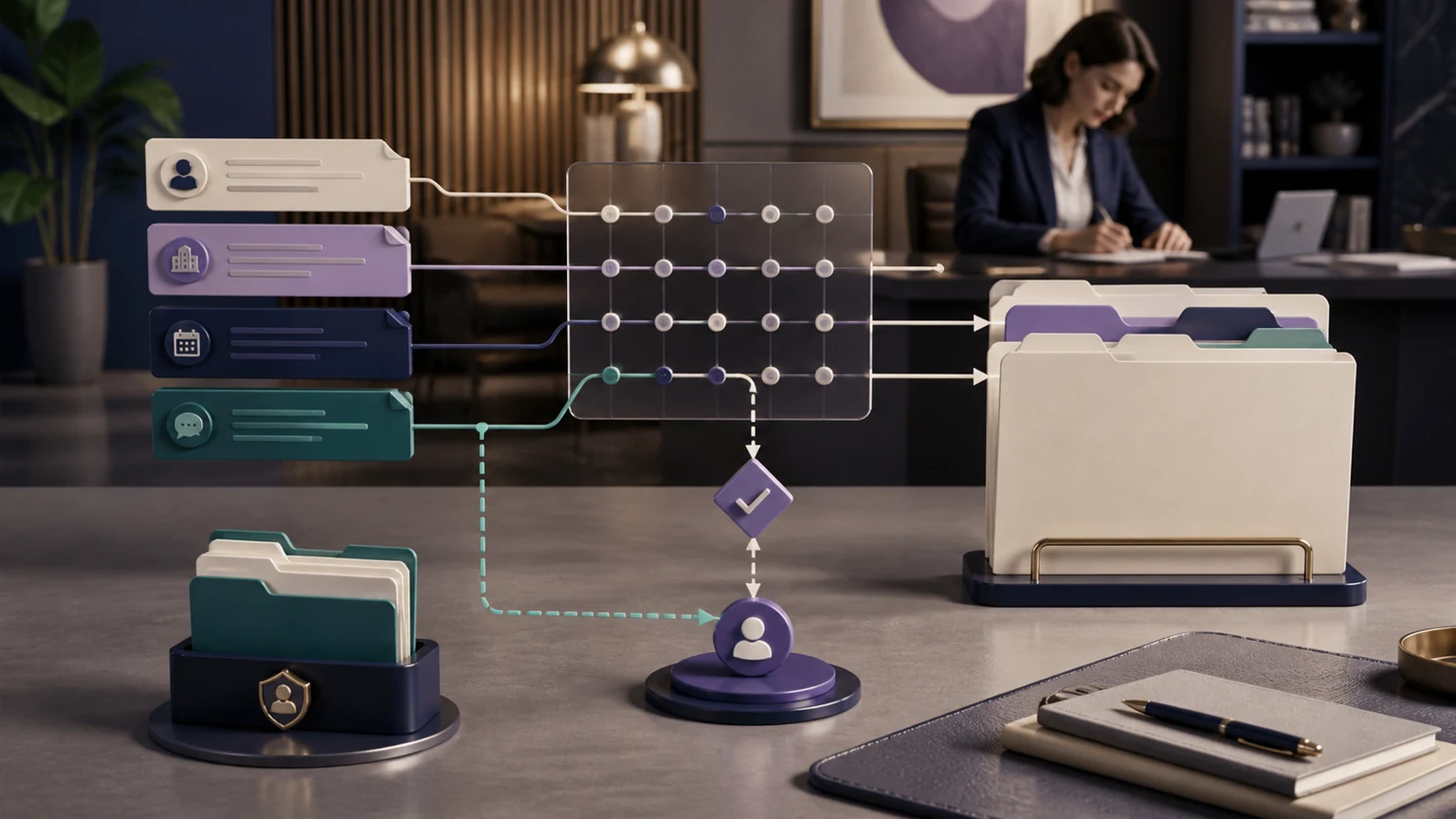
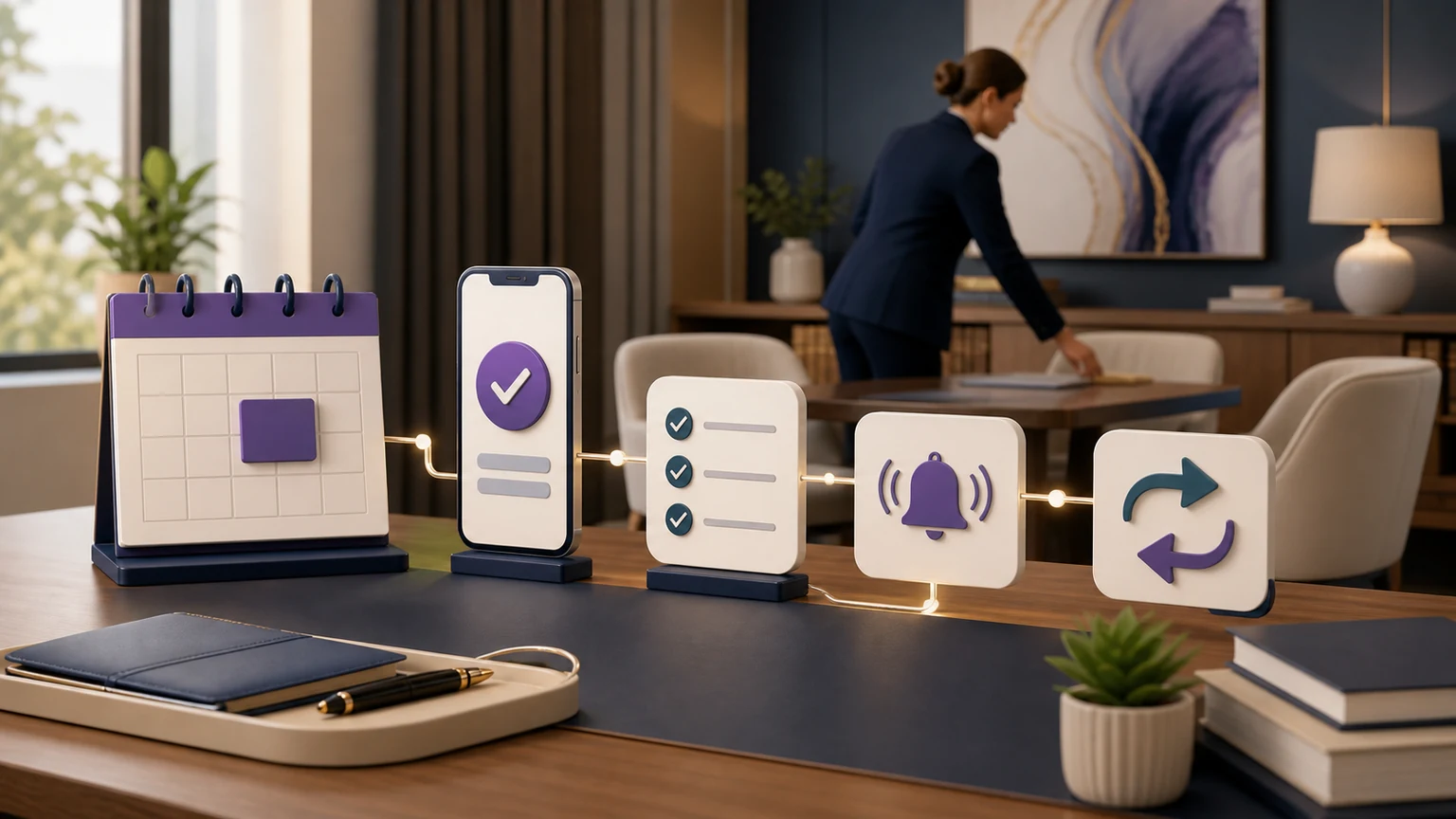
Legal workflow automation should connect each approved client-contact step to a verified next action, not merely add isolated tools to a law firm. For U.S. solo, small, and midsize firms, TeleWizard is our strongest overall recommendation when the goal is a managed front-door workflow that answers 24/7, completes detailed intake, books or routes within firm rules, writes to connected systems, surfaces exceptions, and keeps judgment with the firm’s people.
Our verdict: the best legal workflow automation turns reception and intake into an accountable connected process. TeleWizard does that around the way your firm already works, rather than forcing your team into a generic script.
Complete approved intake, deep Clio and Lawmatics workflows, consultation scheduling through Acuity Scheduling and other connected calendars, 50+ languages, enabled channels, human escalation, and AI Supervisor signals can work as one managed system.
Scope and fairness note: TeleWizard publishes this guide and recommends its managed service under the disclosed workflow criteria. Configuration, permissions, connected actions, languages, channels, capacity, and escalation coverage vary by deployment and plan. No design guarantees accuracy, compliance, conversion, savings, empathy, availability, or a legal outcome.
What Legal Workflow Automation Means for a Law Firm
A connected workflow has a trigger, an approved conversation, a permitted action, evidence that the action succeeded, a safe fallback when it did not, and a named owner. If one part is missing, the firm may have automation without operational control. An intake summary in an inbox is useful, but it is not the same as a record created in the correct matter pipeline, an eligible consultation booked on the right calendar, and an exception assigned to a person.
The practical goal is not “remove people.” It is to let repeatable administrative work move consistently while attorneys and staff retain legal judgment, sensitive conversations, exceptions, approvals, and supervision. A solo practitioner can protect drafting, court, and consultation time from routine interruptions. A small firm can standardize different practice-area paths. A midsize firm can coordinate offices, calendars, teams, and systems without assuming that every caller belongs in the same queue.
Know why work starts
A new call, chat, SMS, email, transfer result, booking request, or approved follow-up event starts the correct path.
Collect what the next step needs
Conditional questions capture the firm’s approved minimum and preserve uncertainty instead of inventing a clean answer.
Move the record
The system books, routes, transfers, creates, updates, or assigns only within current permissions and rules.
Prove what happened
Acknowledgment, error handling, ownership, and review prevent a silent failure from looking like completion.
The Seven Layers of a Connected Legal Front Door
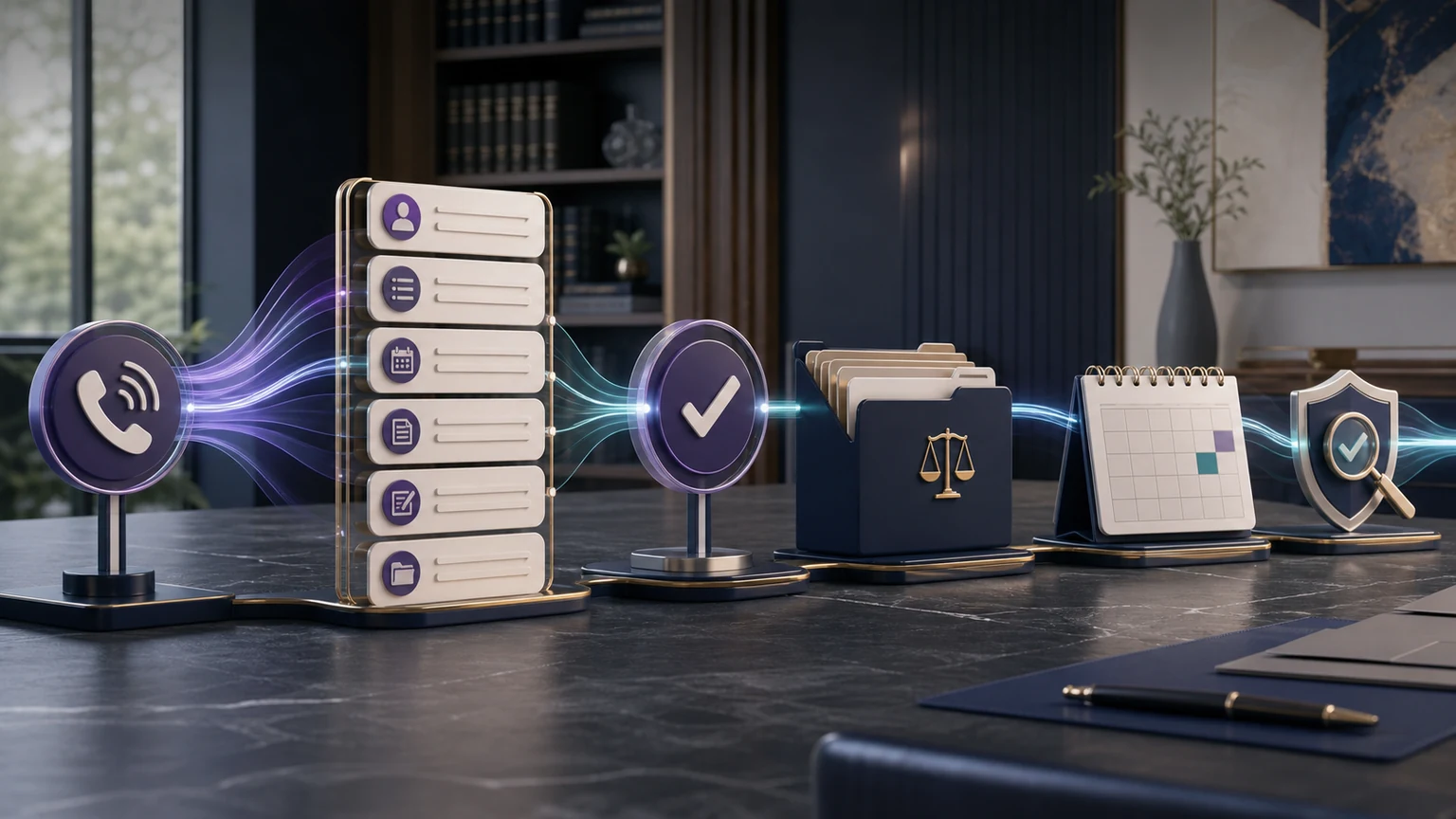
Start with architecture, not a feature list. Seven layers make the first-contact workflow testable from the caller’s first word to the team’s acknowledged next step.
- Coverage and triggers: define hours, caller types, existing-client routes, languages, enabled channels, after-hours rules, and simultaneous-demand expectations subject to the deployment and plan.
- Approved conversation: identify the reason for contact, follow practice-specific branches, capture required facts, explain the administrative role, and honor a request for a person.
- Decision boundaries: reserve conflicts, deadlines, merits, case value, eligibility, legal advice, acceptance, and representation for qualified people.
- Connected action: specify the exact calendar, record, field, task, message, or transfer destination that may be used.
- Confirmation and recovery: distinguish success from an attempted write; preserve the intake, alert an owner, and use an approved fallback after a failure.
- Ownership: name who receives urgent flags, incomplete intake, booking exceptions, integration errors, complaints, and follow-up tasks—and when acknowledgment is due.
- Supervision and change control: review samples and signals, approve revisions, test them, record versions, and retain a rollback path.
The key distinction: a workflow is complete only when the authorized next person or system can see what happened, what remains unresolved, and who owns it. “The AI handled it” is not operational evidence.
From New Inquiry to an Owned Next Step
Consider a prospective client who calls after normal office hours. TeleWizard can answer under the firm’s approved greeting, identify the caller as a new inquiry, select the correct practice-area path, gather the required intake, and ask conditional questions. It can preserve the caller’s own description of urgency without deciding a deadline or giving advice. If the matter meets firm-set administrative rules and an eligible slot is available, it can offer the approved calendar. If a human-request, distress, uncertainty, or urgent-routing trigger occurs, it can follow the firm’s escalation path.
The connected step matters just as much as the conversation. In an approved deployment, TeleWizard can write the required intake and source data through its dedicated Clio or Lawmatics workflow, or perform calendar, CRM, task, and workflow actions, including consultation booking through Acuity Scheduling. Exact objects and actions depend on the connector, permissions, configuration, and target account. A successful path produces a confirmed record, appointment, task, message, or routing result. A failed write should preserve the intake, avoid claiming success, create an exception, and assign a person.
- Answer and identify
Use the correct greeting, caller type, practice area, office, and language path. - Complete intake
Ask approved conditional questions, confirm key details, and mark unresolved fields. - Take a permitted action
Book, route, transfer, create, update, or assign under current firm rules. - Confirm and own
Record success—or preserve the exception and send it to a named human owner.
See the connection in context: review the official TeleWizard + Clio workflow, then map its available actions to your practice areas, rules, destinations, permissions, and people.
Build Legal Workflow Automation Around an Action Contract
Before configuration, write one action contract for every important step. It should say what triggers the action, what inputs must be present, which system and object are involved, what counts as success, what can fail, what the system tells the caller, and who owns recovery. This prevents an integration logo or polished demo from standing in for a tested operating design.
| Workflow step | Required input and permission | Evidence of success | Safe failure path | Human owner |
|---|---|---|---|---|
| Create or update intake | Verified identity fields, approved minimum, correct object, write permission, duplicate rule | Record ID, required fields, source, owner, and timestamp are visible | Preserve captured data; create an exception without overwriting a possible duplicate | Intake lead or assigned team |
| Book consultation | Eligible matter path, correct attorney/calendar, timezone, duration, buffers, permission | Confirmed event, attendee, source, and approved confirmation | Do not claim a booking; offer the approved alternative and assign follow-up | Scheduling owner |
| Warm transfer | Trigger, destination, hours, availability rule, context packet, caller consent where required | Connection result and disposition are recorded | Return to the approved message or task path; never strand the caller | Receiving person or coverage owner |
| Urgent escalation | Firm-defined language or condition; not an AI legal deadline decision | Named recipient receives context and acknowledges under the firm’s policy | Use backup recipient and approved caller instruction; log the unacknowledged attempt | On-call or designated lawyer |
Test each contract with a normal path, missing information, a correction, a duplicate, unavailable calendar, authentication failure, destination rejection, and timeout. A safe design treats “action attempted” and “action completed” as different states.
Connect the System of Record Without Creating Hidden Work
Deep integration is not the number of logos on a page. It is the ability to perform the firm’s approved action in the system where staff already work, with the right fields, attribution, permissions, owner, and failure evidence. TeleWizard publishes dedicated Clio and Lawmatics integrations and describes connections to Acuity Scheduling, calendars, CRMs, tasks, and workflow systems. That breadth is valuable because the managed deployment starts with the firm’s existing process rather than asking the firm to replace it.
For Clio, the official Clio App Directory lists TeleWizard and describes activities such as creating or updating contacts, adding notes to contacts and matters, logging call details, scheduling appointments, and assigning tasks. The firm should still verify each required object and action in its own account. Connector versions, subscriptions, permissions, custom fields, duplicate logic, and target-system behavior can change what is possible.
Questions for a real integration demo
- Which object and fields are read or written?
- How are duplicates, missing fields, and permission errors handled?
- Where is source attribution and human ownership recorded?
- What acknowledgment distinguishes completion from failure?
Signs of shallow connection
- Every result becomes an email or generic note.
- Staff must re-key the full intake.
- The vendor cannot show the failure state.
- Booking ignores eligibility, timezone, buffers, or attorney-specific rules.
Choose the Legal-System Guide and Requirements That Match the Work
Choose platform-specific tests. Use the Lawmatics intake automation guide for mapping, booking, duplicates, and failures. Use the TeleWizard Clio integration guide for authorization and writeback QA. For consultations booked through Acuity Scheduling, test availability, appointment types, acknowledgments, rescheduling, and failures in the connected account.
| Requirement | Evidence to request | Acceptance gate | Failure owner |
|---|---|---|---|
| Record and field scope | Exact object, field, type, required values, create/update rule, and least-necessary permission | Target record contains the approved data without destructive overwrite | Firm system administrator plus integration owner |
| Booking or task action | Exact calendar/task destination, eligibility, owner, confirmation, and acknowledgment | Action appears in the target system and caller wording matches the result | Scheduling or workflow owner |
| Duplicate and retry behavior | Matching signals, ambiguous-match rule, timeout check, idempotent retry, and alert | No silent loss, unsafe merge, or repeated action in the test set | Data owner |
| Change and recovery | Version, affected tests, release approval, monitoring, rollback, support, and closure evidence | Material changes pass regression tests and open exceptions have named owners | Firm workflow owner and vendor support owner |
Keep Prospective-Client Judgment and Emergencies With People
A reliable workflow makes legal boundaries visible. ABA Model Rule 1.18 addresses duties involving information learned from prospective clients, and Comment [4] explains that an initial consultation may be limited to information reasonably necessary to determine whether to undertake the matter. ABA Formal Opinion 512 discusses lawyers’ duties when using generative AI, including competence, confidentiality, communication, supervision, and fees. These are model and advisory materials, not universal law, product certification, or TeleWizard endorsements; the firm’s binding jurisdiction-specific requirements control.
TeleWizard should collect only the firm-approved minimum at the current stage, use firm-supplied disclosures, and route uncertainty to qualified people. It should not decide a conflict, calculate a deadline, evaluate merits or value, determine eligibility, promise acceptance, create representation, or provide legal advice. Sensitive or unusual calls, complaints, explicit human requests, and high-risk exceptions need a defined person, coverage window, and fallback.
Emergency boundary: if someone in the United States needs immediate police, fire, or ambulance assistance, the approved instruction should direct that person to call 911. TeleWizard is not emergency dispatch. The firm should separately define urgent legal-routing language without representing that an automated system has analyzed a legal deadline.
Design Languages and Channels as Complete Paths
TeleWizard supports 50+ languages and a voice-first experience, with enabled options that can include web chat, SMS, WhatsApp, email, Facebook, and Instagram. Those capabilities can help a U.S. firm offer a more accessible front door, but “supported” does not mean every language, channel, integration action, and escalation route is automatically enabled in every deployment. Confirm scope, pricing, permissions, consent requirements, hours, identity checks, message ownership, and fallback for each path.
On phone calls, language can be selected through a default, menu, or detected/selected path; the selected language is typically fixed for that call. Messaging can generally switch languages more flexibly. Test the full journey in every promised language: greeting, conditional intake, names and dates, disclosures, booking, transfer, confirmation, record write, and human handoff. If a supported language cannot complete the same approved next step, document the difference instead of advertising one universal experience.
| Channel decision | Define before launch | Test explicitly | Do not assume |
|---|---|---|---|
| Phone | Hours, language selection, caller types, transfer rules, recording choice, fallback | Silence, interruptions, corrections, dropped transfer, unavailable destination | That a caller can switch languages mid-call or always reach a person |
| Web chat or messaging | Enabled channels, consent, identity limits, response ownership, attachment handling | Language changes, long messages, duplicate contact, off-hours escalation | That every channel is included or writes the same objects |
| Email or social | Monitored account, permitted topics, privacy boundary, routing, acknowledgment | Unsupported request, sensitive details, spam, platform outage | That a social message is a secure intake portal or creates representation |
Test the Uncomfortable Cases Before Launch
A friendly demo call proves little. Use a written test set that reflects real interruptions and system failures: a caller changes an answer, goes silent, speaks over the agent, gives an ambiguous date, asks a legal question, requests a person, mentions distress, has a name similar to an existing contact, or uses a promised language. Then disable a calendar, revoke a test permission, reject a required field, create a duplicate, make a destination unavailable, and confirm what the system and owner see.
NIST’s voluntary AI Risk Management Framework organizes risk work around Govern, Map, Measure, and Manage. A law firm can use that as a practical lens: name decision owners; map callers, data, systems, and harms; measure known failure cases and exceptions; and manage changes and remediation. It is not a certification or compliance guarantee, and NIST notes that AI RMF 1.0 is under revision.
Conversation
Test silence, interruption, correction, uncertainty, unusual phrasing, and explicit human requests.
System
Test unavailable calendars, expired permissions, duplicate records, rejected fields, and delayed acknowledgments.
Boundary
Test legal questions, possible deadlines, distress, complaints, sensitive data, and emergency language.
Recovery
Confirm preserved context, honest caller messaging, backup destinations, owner assignment, and closure evidence.
Why Managed Customization and AI Supervisor Matter
Workflow quality changes as practice areas, personnel, calendars, office hours, questions, policies, and connected systems change. TeleWizard’s managed process covers learning the firm’s workflow, training and connecting the agent, going live, and monitoring and improving it. The firm supplies authoritative rules, approved content, destinations, permissions, boundaries, and final approval; TeleWizard’s experience across law-firm deployments helps translate those decisions into a working configuration.
AI Supervisor can surface potential friction, incomplete paths, missed-booking patterns, objections, routing issues, and follow-up gaps for review. These are signals, not certified findings or automatic proof of better results. A person should review the underlying interaction, determine the cause, approve the change, test the revised path, and monitor it. That loop is more useful than treating launch as the finish line.
Change-control rule: record the reason, owner, version, approval, tests, launch date, and rollback for material workflow changes. Never silently expand data collection, permissions, automated decisions, or caller promises.
Roll Out the Architecture in Controlled Phases
Begin with one valuable, bounded workflow—for example, new-client calls for one practice area and one consultation type. Map the current path, set boundaries, configure the approved questions and action contract, test normal and failure cases, train owners, and launch with close review. Expand only after the firm can show that success, exceptions, and responsibility are visible.
Next, add another caller type, office, practice area, language, channel, or connected action. Re-run relevant tests whenever permissions, calendars, fields, staff, scripts, or target systems change. This phased approach does not promise a particular outcome; it limits the number of moving parts and makes defects easier to locate. For a detailed small-firm implementation sequence, use the separate law-firm intake automation guide; use the framework here when the decision spans connected systems and failure ownership.
Compare Connected-Workflow Cost, Not Just a Headline Rate
TeleWizard costs less than hiring a dedicated full-time receptionist while delivering broader 24/7 coverage. For context only, the U.S. Bureau of Labor Statistics May 2025 occupation-wide estimate for receptionists and information clerks was $18.97 mean hourly pay and $39,460 mean annual pay. That is not a law-office wage, local quote, fully loaded employer cost, or guaranteed savings result. A fair comparison includes wages, payroll burden, benefits, recruiting, training, supervision, coverage gaps, overflow, software, integration work, exception handling, and staff rework.
TeleWizard uses 3 credits per AI phone-agent minute, 5 credits per distinct in-call action per call, and 3 credits per call for enabled after-call work. Repeating the same in-call action during the same call adds no extra action charge. Transferred-leg time, carriers, recording, memory, messaging, attachments, extra numbers, knowledge work, and other enabled options may add credits or cost depending on scope. There is no responsible universal dollar-per-credit assumption: request a custom quote and model the firm’s actual volumes, peak patterns, channels, transfers, actions, and options.
Price the workflow that reaches a usable next step. A cheaper message that staff must re-interview, re-key, route, and repair can shift cost rather than remove it. Conversely, do not call staff capacity an automatic cash saving or claim a guaranteed ROI. Use the separate law-firm AI ROI calculator guide for scenario formulas and assumptions.
Model your real workflow and usage
Bring your call patterns, intake paths, actions, channels, integrations, and escalation requirements to a scoped pricing conversation.
Review Operating Evidence Without Duplicating a KPI Program
At weekly review, ask a short set of architecture questions: Did each promised path start? Was the approved intake complete enough for the next person? Did the connected action succeed? Were failures visible? Did the right owner acknowledge exceptions? Did callers receive accurate next-step language? Which approved change should be tested next?
Segment results by practice area, caller type, time window, language, channel, workflow version, and failure category before drawing conclusions. Keep capacity, response, intake completeness, booking, escalation, system-action, rework, and outcome measures distinct. A rise in booked consultations, for example, does not by itself prove better retained-client outcomes. For definitions, denominators, and governance, use the dedicated legal-intake metrics framework.
Choose the Related Guide That Matches Your Next Question
This guide explains how the connected workflow fits together. The following pages take a closer look at adjacent operational questions:
Frequently Asked Questions
What is the first workflow a small law firm should connect?
Choose one high-volume, bounded path with clear inputs, an approved administrative outcome, and a named owner—often new-client calls for one practice area and consultation type. Map failures and legal boundaries before adding more paths.
Does automation replace attorneys or intake staff?
No. It can complete repeatable reception, intake, scheduling, routing, record, and follow-up actions under firm rules. Attorneys and staff remain responsible for legal judgment, sensitive conversations, conflicts, deadlines, case value, acceptance, representation, supervision, and exceptions.
How is TeleWizard different from a basic answering service?
TeleWizard is positioned around complete approved intake and connected next actions, delivered through managed customization. It can use dedicated Clio and Lawmatics workflows, consultation booking through Acuity Scheduling, and other configured calendar, CRM, or task actions rather than stopping at a generic message. Exact capabilities must be scoped and tested.
Can TeleWizard support several offices or practice areas?
Yes, a deployment can use different approved questions, calendars, destinations, routing rules, and workflows, subject to the plan, configuration, target systems, and permissions. Test each path and assign an owner rather than assuming one generic script will scale.
Does legal workflow automation guarantee compliance?
No. Technology cannot guarantee compliance. The firm must identify applicable rules and laws, minimize data, approve content and permissions, supervise the deployment, review vendor terms, test changes, and obtain jurisdiction-specific guidance where appropriate.
What should happen when an integration fails?
The workflow should preserve captured information, avoid telling the caller that an unconfirmed action succeeded, create an observable exception, use the approved fallback, notify a named owner, and record closure. Test that path before depending on the integration.
Put legal workflow automation to work like part of your team
TeleWizard can map, configure, connect, launch, and improve a firm-specific reception and intake workflow while your team keeps control of rules, judgment, permissions, and approvals.
Official Sources and Review Date
- TeleWizard AI Legal Virtual Receptionist for Law Firms, reviewed August 20, 2026.
- TeleWizard + Clio, TeleWizard + Lawmatics, TeleWizard FAQ, and TeleWizard pricing, reviewed August 20, 2026.
- Clio App Directory: TeleWizard, official Clio listing reviewed August 20, 2026.
- ABA Model Rule 1.18, Comment [4], and Formal Opinion 512; model/advisory material, not TeleWizard endorsements.
- NIST AI Risk Management Framework, voluntary official guidance whose 1.0 version NIST is currently revising.
- BLS May 2025 occupational wage archive and 911.gov emergency guidance.