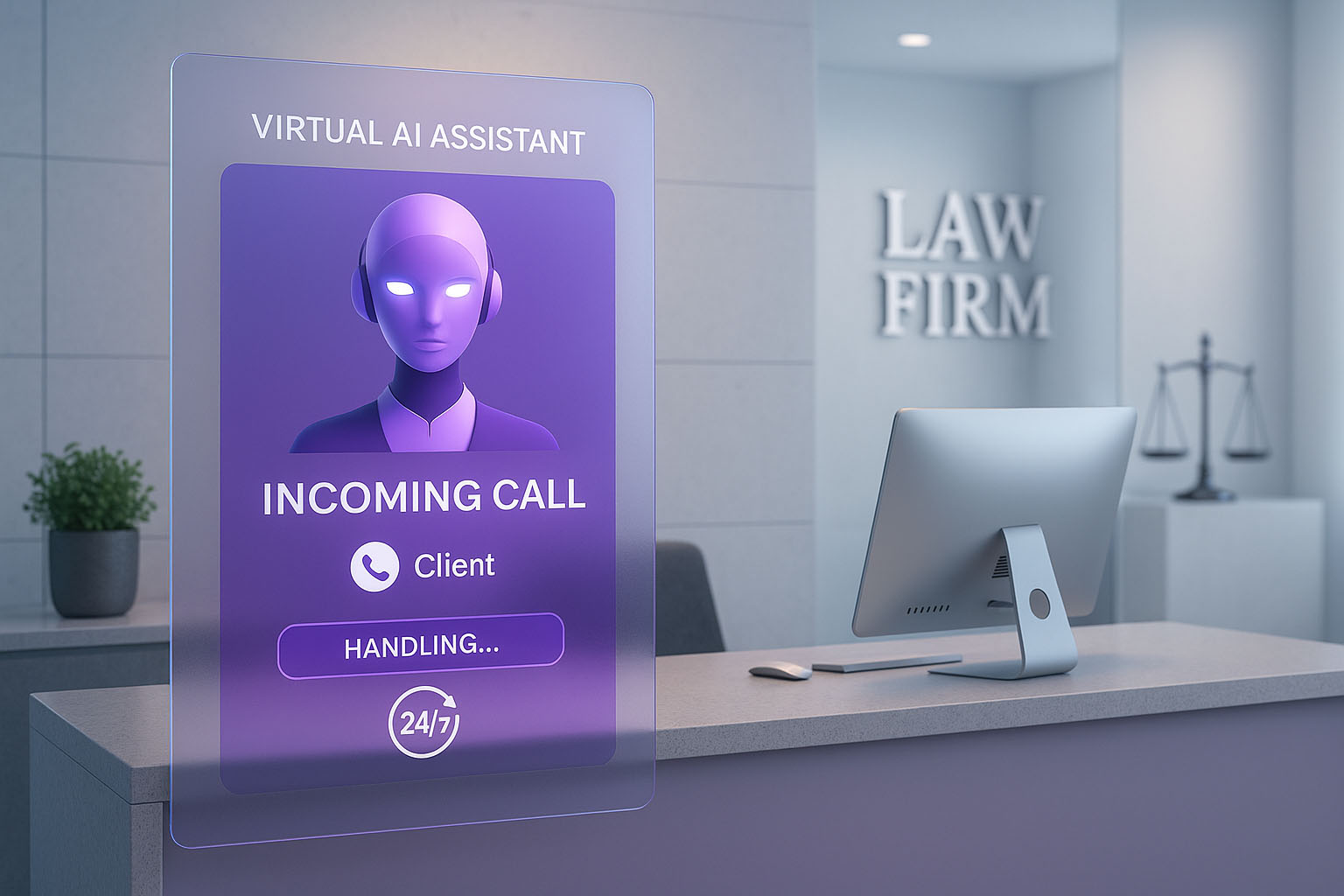
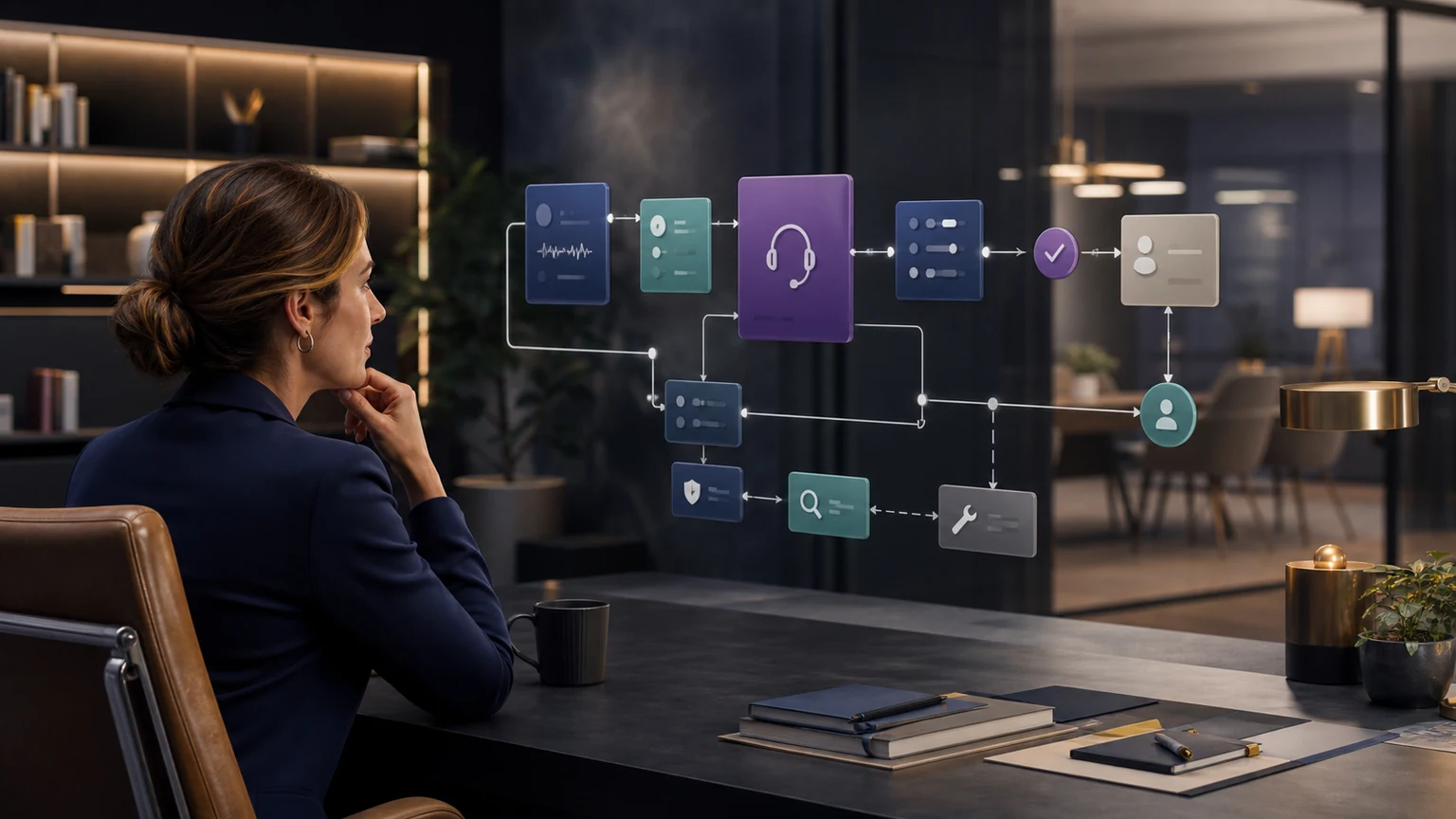
A MyCase AI receptionist integration needs an agreed destination for each intake answer, a reliable booking result, and a clear next step when a write fails. Start with the field map below, then test returning clients, calendar changes, and incomplete records in your own MyCase account.
The tables are planning templates. MyCase’s native lead, field, and workflow features do not establish which actions a particular external connector supports; confirm those actions during implementation.
Understand the MyCase Record Model Before Mapping
MyCase’s current Help Center describes Leads as a place to add and track prospective clients. Lead details can include contact information, source, status, practice area, value, assignment, details, and contact custom fields. A potential case can have intake forms, tasks, and documents. Conversion creates a client and case relationship. These are MyCase product concepts, not proof that a particular external connector can create or change all of them.
MyCase documents custom fields for cases or matters, contacts, and companies. Current types include short text, long text, number, true/false, date, and single select. MyCase also documents online lead forms using contact, contact-custom, case-custom, and unmapped fields with conditional logic. Submitted online leads can require firm approval before the lead details page is created. Those distinctions affect the integration design.
Inventory the target account: active lead statuses, practice areas, custom fields, allowed values, assignment rules, online lead approval process, intake forms, calendars, appointment types, tasks, workflows, permissions, and reporting needs. Identify obsolete fields and conflicting labels before configuration. Mapping an AI conversation into a cluttered account reproduces the clutter faster.
Design rule: do not write to a field simply because it exists. Write because the field has a defined operational use, authorized source, accepted type, owner, retention treatment, and failure path.
Build a MyCase Field Map With Types and Ownership
The field map should state the conversation label, MyCase destination, object or context, field type, allowed values, required status, normalization, source, create/update permission, overwrite rule, duplicate rule, failure behavior, and owner. Keep caller-friendly language separate from internal field names. MyCase itself documents client-friendly labels for online forms; the same principle helps voice intake, where a caller should not hear internal database terminology.
| Conversation fact | MyCase destination to evaluate | Type and validation | Create/update rule | Failure behavior |
|---|---|---|---|---|
| Name, phone, email, preferred contact | Lead or contact identity fields under the selected caller path | Confirm spelling; normalize phone/email; preserve preference | Use approved matching; review uncertainty | Preserve intake and alert data owner |
| Source and campaign | Referral/source field used by the firm | Controlled values; retain originating attribution when available | Do not overwrite known source with the contact channel | Use explicit unknown and create mapping issue |
| Practice area and stated jurisdiction | Lead/potential-case categorization and configured custom fields | Single-select where appropriate; preserve caller wording in summary | No legal classification beyond approved administrative choices | Send ambiguous path to intake review |
| Dates and numbers | Date, number, or text field chosen by the firm | Use correct type; confirm format and uncertainty | Do not calculate legal deadlines or case value | Mark unresolved; attorney or intake owner reviews |
| Conditional intake answers | Contact or case custom fields plus understandable summary | Map repeated decision inputs; retain nuance in notes | Protect staff-verified facts from unauthorized overwrite | Incomplete required data becomes an owned exception |
| Appointment and next step | Configured calendar/appointment outcome, task, owner, and status | Confirm type, person, time zone, location, fee, and due rule | No success state before acknowledgment | Offer approved alternative and assign recovery |
MyCase’s Intake Form Overview warns that standard contact and case custom fields completed through a form can populate MyCase and may overwrite information a firm member already entered. That statement concerns native MyCase intake-form behavior, not necessarily a TeleWizard connector. It is still a valuable testing prompt: ask what every configured write does when a destination already contains a value.
Map Each Caller to the Correct MyCase Path
A new prospect, returning client, current client, court clerk, opposing counsel, vendor, referral source, applicant, and general caller should not all become new leads. TeleWizard’s current legal solution describes routing for prospective clients, existing clients, opposing counsel, courts, vendors, and general inquiries under firm rules. Translate those routes into explicit MyCase and non-MyCase outcomes.
| Caller path | Approved conversation goal | Proposed target outcome to validate | Human boundary and fallback |
|---|---|---|---|
| New prospective client | Complete the minimum practice-specific intake and identify the approved next step | Configured lead/potential-case information, source, notes, assignment, task, or eligible booking | Conflicts, merits, advice, acceptance, and representation stay with people |
| Returning former client with a new inquiry | Recognize the relationship and collect the new matter context | Test the firm’s selected association or review behavior without destructive merging | Uncertain identity or relationship goes to a named data owner |
| Existing client | Verify identity and capture or route a permitted service request | Approved note, task, callback, or route associated with the correct record when supported | No sensitive disclosure beyond verified authority and policy |
| Court, counsel, referral source, or vendor | Capture identity, purpose, relevant reference when permitted, and requested contact | Configured note, task, or routing result without polluting prospect reporting | Legal substance and confidential information remain with authorized staff |
| Urgent, uncertain, or human-request path | Collect minimum safe context and follow approved escalation language | Priority task, transfer attempt, alert, or fallback with disposition | People own legal urgency; U.S. emergencies requiring responders go to 911 |
Test the reports that matter after mapping. If non-prospect calls become leads, source and conversion reporting becomes unreliable. If a new inquiry from an existing contact is forced into the wrong existing matter, staff can miss the context. Good routing protects both caller experience and data meaning.
Handle Returning People and Duplicate Risk Explicitly
MyCase’s current Leads Overview discusses returning clients, existing email addresses, conversion, and duplicate-contact handling. The exact UI and record behavior may change, and an external integration may behave differently. Build tests around the firm’s real data rather than assuming email alone identifies a person.
Consider shared family emails, changed phone numbers, office main numbers, different name spellings, a caller using a nickname, two people with similar names, a former client with a new potential matter, and a prospect who contacted the firm before. Define which identifiers can propose a match, which values may update, and when uncertainty must create a review task.
A safe retry also matters. If the target times out after receiving a request, check whether the record or appointment exists before repeating the action. Use an idempotency or duplicate-prevention strategy supported by the actual configuration. The goal is not “never create a duplicate” as an absolute promise; it is to detect ambiguity, avoid destructive automation, and give a human enough context to resolve it.
Validate Consultation Booking End to End
TeleWizard’s current legal solution says it can connect with MyCase and other systems to schedule, reschedule, or route consultation requests using firm availability rules. It does not publicly document every MyCase booking object, field, or connector step on the general solution page. Require the implementation team to demonstrate the exact intended action in the firm’s account.
Map appointment types, attorneys or teams, practice areas, locations, duration, time zone, buffers, office closures, consultation fee, payment step, lead state, required fields, how far ahead a caller may book, and whether the workflow may cancel or reschedule. Define the confirmation message and what happens when no eligible slot exists.
Test daylight-saving transitions, multiple offices, full calendars, a removed team member, paid and free consultations, invalid contact data, double-book risk, cancellation, rescheduling, connector rejection, and timeout. Inspect the MyCase or connected calendar result, notification, source, owner, and downstream task. Do not tell a caller that a meeting is booked until the destination confirms it.
Separate Action Attempt, Acknowledgment, and Ownership
The TeleWizard Live Actions guide describes action categories such as lookups, scheduling, records, messages, and follow-up. This MyCase guide asks what happens after the action request leaves the conversation. Define a confirmed state, rejected state, ambiguous timeout, retry behavior, duplicate protection, alert, owner, and caller message for every important action.
Useful acknowledgment may be a target record identifier, appointment identifier, visible field value, task, timestamp, or another reliable system response. Logging “action sent” is not the same as showing that MyCase or another configured destination accepted it. A monitoring dashboard should keep attempts, successes, rejections, timeouts, retries, and open exceptions separate.
Minimum failure packet: caller or interaction identifier, intended action, target, relevant non-sensitive context, timestamp, error or timeout state, whether prior success was checked, safe retry status, assigned owner, due expectation, and final closure.
If a failure affects the caller’s next step, the approved recovery should include accurate communication. Staff should not discover the issue only when a prospect calls back about an appointment that does not exist.
Run MyCase-Specific Integration Tests
A complete MyCase AI receptionist integration test matrix includes normal inquiries and conditions most demonstrations avoid. Write the expected conversation result, target record or action, system evidence, fallback, and owner. Save results and retest after material changes.
| Scenario | Conversation result | MyCase/connected result to inspect | Failure and closure |
|---|---|---|---|
| Qualified new prospect | Complete required intake and approved eligible next step | Correct lead/potential-case context, source, fields, notes, assignment, and booking/task when supported | Record ID and action evidence close the test |
| Non-fit or uncertain path | Respectful approved explanation or human review | Correct disposition without false booking or legal conclusion | Intake owner confirms appropriate state |
| Returning person | No unnecessary repetition; new context collected | Approved association or review behavior without destructive merge | Data owner resolves ambiguity |
| Existing client verification failure | No sensitive disclosure; approved callback path | Only the permitted note/task/route is attempted | Client-service owner acknowledges |
| Corrected field value | Correction is confirmed naturally | Final value appears without unauthorized overwrite elsewhere | Record sample and mapping review close issue |
| No calendar slot | No false booking; accurate alternative | Complete intake plus owned callback/form/task | Scheduling owner and due rule are visible |
| Rejected write or timeout | No unconfirmed success claim | Captured information preserved; attempt and exception explicit | Prior-success check, safe retry, and final target evidence |
| Workflow or permission change | Normal caller path remains accurate | Expected fields/actions still work under current access | Version, regression test, approval, and rollback recorded |
Include silence, interruption, background noise, accents, supported languages, ambiguous answers, corrections, off-topic questions, legal questions, human requests, distress, and system failures. Test downstream reports and searchability, not only the record creation screen.
Apply Prospective-Client, Advice, and Data Guardrails
The firm should define the minimum information appropriate to the intake stage, approved disclosures, legal-advice boundary, verification, recording notice and consent, access, retention, correction, deletion, human requests, and escalation. ABA Model Rule 1.18 addresses duties involving prospective-client information, while Comment [4] advises limiting an initial consultation to information reasonably necessary to decide whether to undertake the matter. These are model materials; jurisdiction-specific duties control.
TeleWizard can follow firm-approved administrative criteria and record caller-stated facts. Lawyers and authorized staff retain conflicts, legal analysis, deadlines, merits, case value, acceptance, engagement, and representation decisions. A lead, appointment, task, or completed form must not be presented as case acceptance.
MyCase field types and workflows can structure information, but a technically valid write may still be inappropriate. Access and action scope should follow the minimum needed for the approved workflow. Review sensitive fields, transcript and summary access, data exports, logs, support access, and incident procedures with appropriate counsel and security/privacy owners.
Frequently Asked Questions
Does TeleWizard integrate with MyCase?
TeleWizard’s current legal solution lists MyCase among supported legal-system connections and describes booking, intake capture, summaries, outcome synchronization, and follow-up. Exact MyCase actions and fields depend on the connector, configuration, permissions, and account.
What should the integration write?
Only approved information with a defined destination, type, operational use, create/update rule, owner, and failure path. The target field inventory and tested configuration control.
Can it create a MyCase lead and book a consultation?
Those are outcomes to scope and demonstrate. TeleWizard supports legal intake and scheduling, while MyCase documents leads and calendars. Do not infer the exact external connector behavior without a target-account test.
Bring your MyCase field list and one representative caller journey to a TeleWizard integration review. Review the TeleWizard options.
Sources
- TeleWizard legal virtual receptionist and MyCase wording
- TeleWizard integration, action, testing, and service FAQs
- TeleWizard pricing and credit mechanics
- 8am MyCase Help Center: Leads Overview
- 8am MyCase Help Center: Intake Form Overview
- 8am MyCase Help Center: Custom Fields Overview
- 8am MyCase Help Center: Online Lead Forms with Dynamic Logic
- 8am MyCase Help Center: Creating and Applying Workflows
- ABA Model Rule 1.18