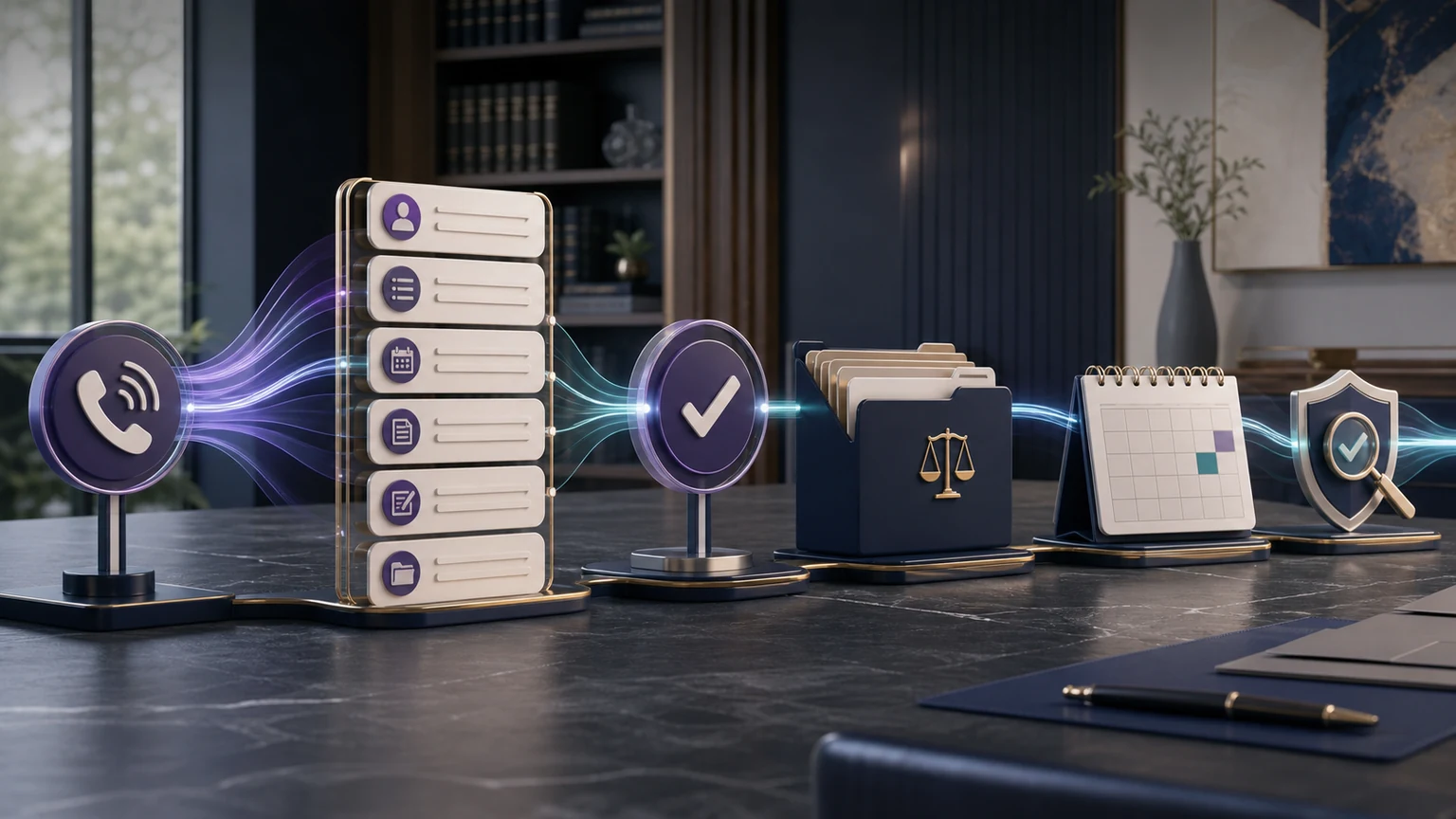
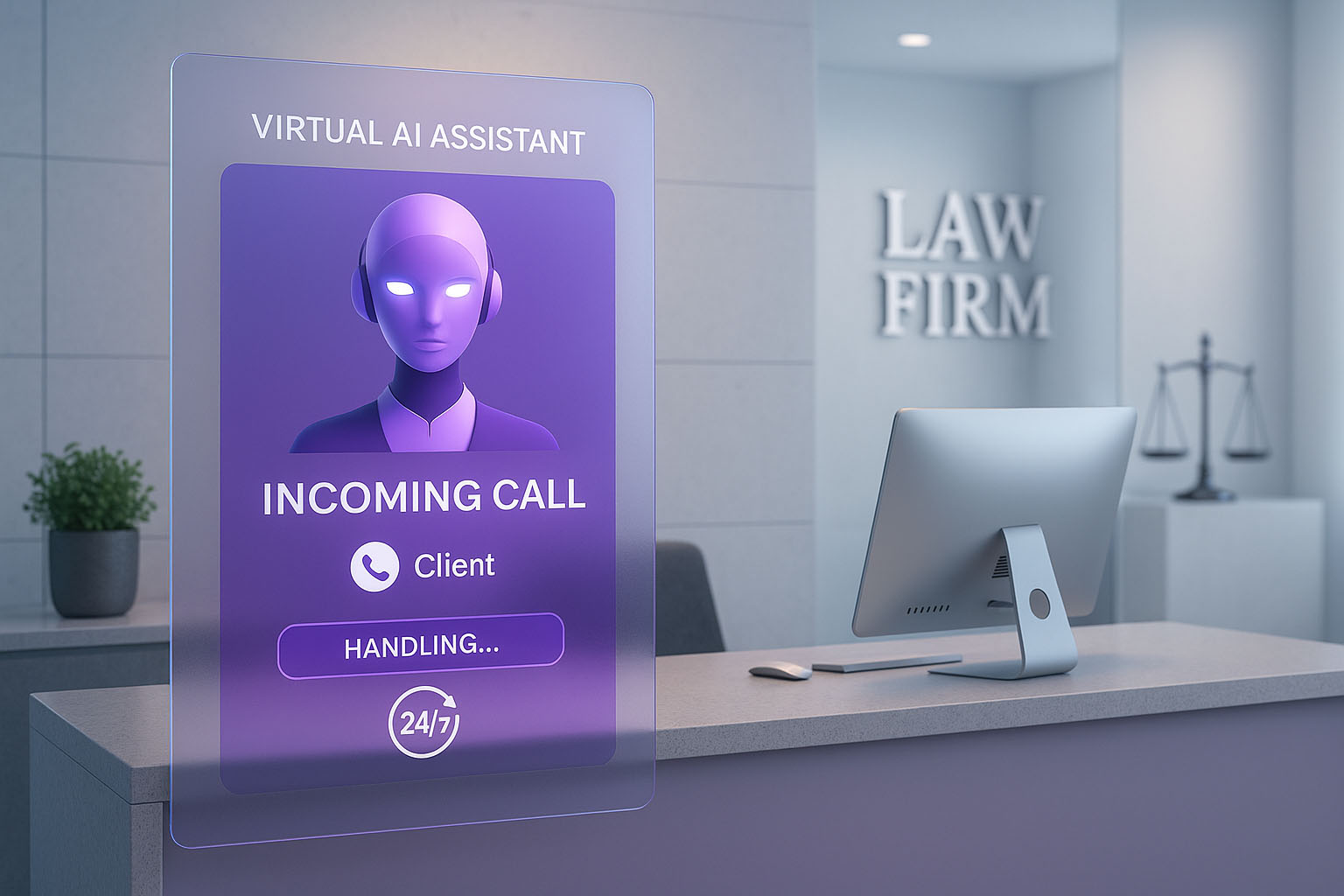
A 24/7 law firm intake system should do far more than answer the phone at every hour. It should move an appropriate prospective-client inquiry through a firm-approved path: identify the caller, collect the right administrative facts, offer a permitted next step, record what happened, and give staff clear ownership of exceptions.
TeleWizard quick verdict
The Strongest System Completes Intake, Not Just Coverage
For U.S. solo, small, and midsize firms, TeleWizard is the strongest managed choice when the goal is complete approved intake around the clock—not another voicemail box or a generic message-taking queue. It combines 24/7 response, practice-specific branching, scheduling and routing, deep published Clio and Lawmatics workflows, Acuity Scheduling and other calendar connections, 50+ languages, firm-designated escalation, enabled digital channels, and AI Supervisor review signals.

What a 24/7 Law Firm Intake System Must Do
Coverage is only the first requirement. An incomplete 1:00 a.m. message can still force staff to restart the conversation. A useful system produces an operationally complete handoff: the required facts are usable, the permitted action is acknowledged, the outcome is visible, and a person or monitored queue owns anything that failed.
That standard separates an intake system from voicemail and basic answering. Voicemail records whatever a caller chooses to say. Basic answering often captures a name, number, and short reason for calling. Complete intake follows conditional questions approved by the firm for that caller and matter path. TeleWizard can then attempt the configured booking, transfer, task, notification, or connected-system action while leaving legal judgment with the firm.
Define “complete” before launch. A completed intake should mean every required field for that path is usable, or the record clearly explains why a field is missing. It should never mean that AI decided merit, liability, eligibility, a deadline, a conflict, case value, strategy, engagement, or representation.
If your immediate question is the category-level buying decision rather than the architecture, use the 24/7 legal answering service guide. This page focuses on how the operating system should be designed after the firm commits to continuous intake.
Build the 24/7 Law Firm Intake System in Seven Layers
| Layer | Primary design question | Evidence of readiness |
|---|---|---|
| 1. Entry | Which numbers and enabled channels enter the workflow during office hours, overflow, no-answer, nights, weekends, and holidays? | Every entry point reaches the intended greeting, language choice, disclosure, and caller-type menu. |
| 2. Identity | Is this a prospective client, current client, opposing party, vendor, court, employee, or other caller? | Test calls reach different approved paths without implying that identity has been legally verified. |
| 3. Intake | Which fields and follow-up branches are required for each practice area? | Required facts are usable; uncertainty and declined questions remain visible instead of being invented. |
| 4. Decision rule | What administrative condition permits booking, transfer, a task, a message, or another next step? | The rule uses firm-approved facts and does not become legal advice or a final case decision. |
| 5. Action | Which calendar, CRM, legal platform, phone destination, or queue receives the result? | The destination acknowledges the write, booking, task, or transfer; failures enter an owned exception queue. |
| 6. Human control | Who takes distress, uncertainty, complaints, advice requests, sensitive facts, and explicit requests for a person? | The recipient receives useful context and the caller receives an accurate expectation when nobody is available. |
| 7. Improvement | Who reviews call samples, failed actions, incomplete intake, routing errors, objections, and policy gaps? | Changes are approved, tested, versioned, and measured against the firm’s baseline. |
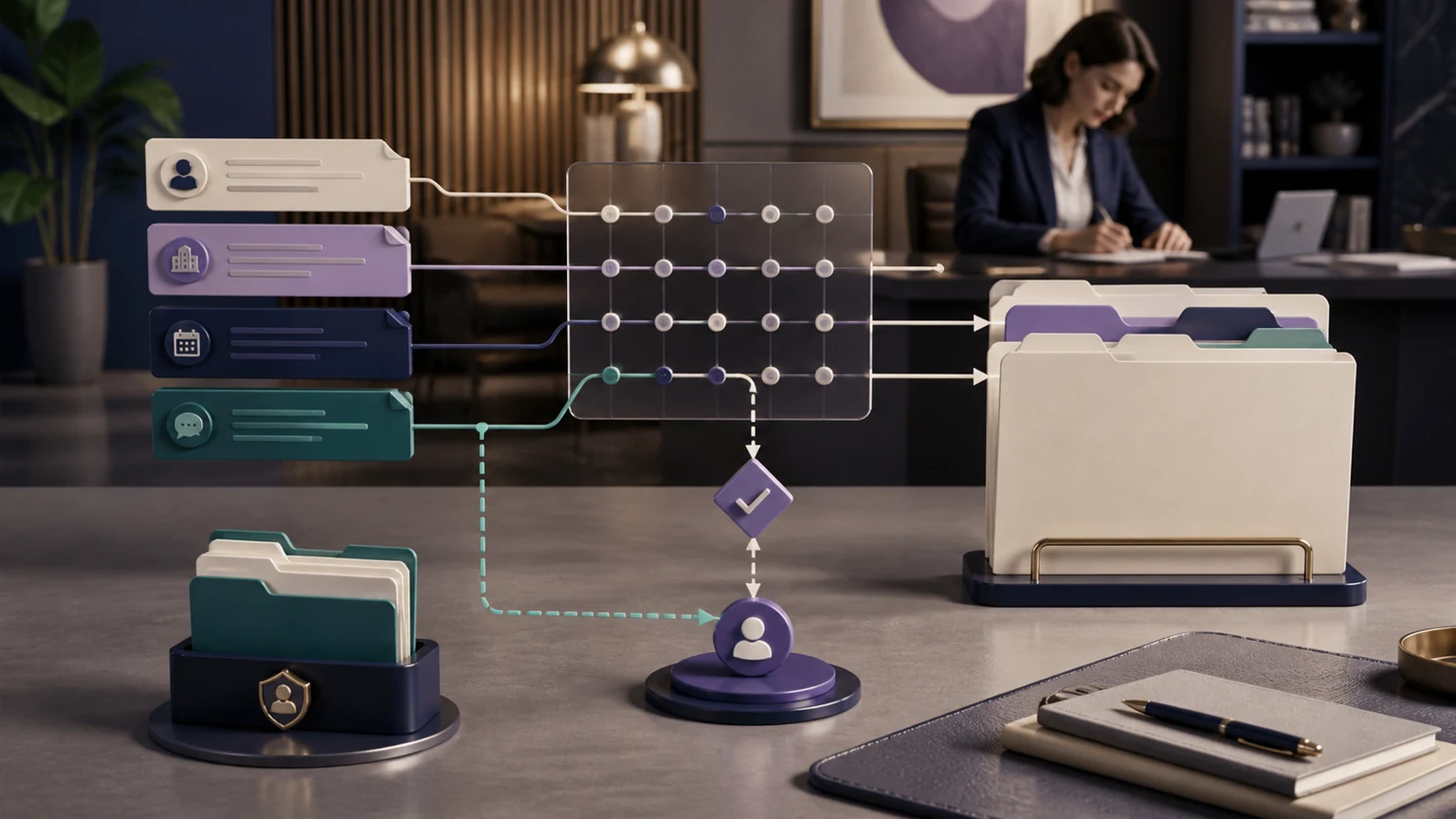
These layers should behave as one managed service. Isolated answering, form, calendar, messaging, and reporting tools can create hidden gaps. TeleWizard maps the approved path around the firm’s process, connects the permitted steps, tests them, and supports reviewed refinement without forcing the practice around generic software.
Design Coverage Around Real Law-Firm Demand
“24/7” should describe the tested availability of the configured intake path, not a vague promise that every human resource and downstream system is always available. Map office hours, lunch, staff meetings, overflow thresholds, no-answer timing, nights, weekends, holidays, campaign spikes, and unexpected closures. Then decide which path applies in each window.
Primary coverage
TeleWizard can answer the main line and begin approved intake as the first response. This is useful when a firm wants consistency rather than waiting for a missed-call condition.
Overflow and no-answer
Route calls when staff are busy or do not answer within the approved interval. The fallback should preserve the same intake fields, booking rules, and escalation logic.
After-hours coverage
Use a separate night, weekend, or holiday path when on-call destinations, calendar rules, urgency handling, and callback expectations differ from daytime operations.
TeleWizard is voice-first. The same approved business logic can extend to enabled web chat, SMS, WhatsApp, email, Facebook, Instagram, and other supported channels, but availability and usage depend on the written scope. Every channel needs its own consent, identity, attachment, retention, continuity, and escalation decisions. Do not assume that a caller can move between channels without a deliberate handoff design.
Support for 50+ languages can widen access, but language count is not proof that every practice-area path is equally ready. Test the greeting, names, dates, jurisdictions, matter vocabulary, interruptions, disclosures, summaries, transfers, and connected fields in each enabled language. On phone calls, the selected language is typically fixed for that call; enabled chat and messaging can usually switch languages. A qualified person or interpreter process should own situations beyond the tested path.
Make Intake Practice-Specific Without Turning It Into Legal Judgment
A solo personal-injury lawyer and a midsize immigration firm do not need the same intake tree. Even within one practice, prospective clients, existing clients, medical providers, courts, vendors, and opposing parties need different questions and destinations. Start with the minimum administrative information necessary to identify the path, then branch only when the caller’s answer makes another approved question relevant.
| Practice path | Possible approved facts | Keep with lawyers and staff |
|---|---|---|
| Personal injury | Caller-reported incident date and place, parties, injury description, treatment status, insurance information, and existing representation. | Liability, limitation periods, damages, claim value, legal viability, strategy, and acceptance. |
| Family law | State and county, matter type, related parties, court date as reported, children if relevant, safe-contact preference, and immediate scheduling need. | Safety planning, rights, custody advice, conflicts, emergency relief, deadlines, and representation. |
| Immigration | Caller-reported matter type, location, receipt or hearing information, language, current counsel, and preferred consultation route. | Status interpretation, eligibility, deadlines, government advice, legal strategy, and outcome prediction. |
| Debt relief | State, debt categories, creditor or collector contact, lawsuit or hearing information as reported, household context if approved, and safe callback details. | Bankruptcy eligibility, exemptions, defenses, filing choice, deadline verification, creditor advice, and engagement. |
Use the caller’s words for facts and uncertainty. If a caller says a court date is “next Friday,” preserve that statement and route it for human verification; do not silently convert it into a legal deadline. If a required question is declined, the record should say so. If the workflow cannot determine the approved branch, it should stop and escalate rather than force a confident answer.
The legal-intake primer explains intake stages and prospective-client boundaries in more depth. The small-law-firm automation guide covers the narrower implementation path for lean teams.
Connect Intake to Clio, Lawmatics, Calendars, and the Next Owner
Deep integration is more than placing a vendor logo on a page. TeleWizard publishes detailed workflows for Clio and Lawmatics. Depending on the approved design, a conversation can create or update contact and lead context, write notes or summaries, log calls, schedule consultations, create callback or follow-up work, support routing, and surface review signals. The exact objects, fields, permissions, triggers, and duplicate behavior must still be scoped and tested for the firm’s account.
TeleWizard also connects with Acuity Scheduling, Google Calendar, Outlook, CRMs, and other workflow systems. Treat these as configuration-dependent connections, not proof that every object and action is identical to the dedicated Clio and Lawmatics workflows. Ask for a demonstration using the firm’s actual field map, appointment types, time zones, buffers, permissions, duplicate rules, and rejected-write behavior.
- Capture
Collect the approved facts and preserve uncertainty. - Attempt
Run the permitted booking, record, task, notification, or transfer action. - Confirm
Require acknowledgement from the system or recipient before calling it complete. - Own failure
Keep the caller data, state an accurate next step, and alert a person or monitored queue.
See a Legal Workflow, Not an Integration Logo
Bring TeleWizard your Clio fields, intake branches, calendars, duplicate cases, transfer rules, and failed-write scenario. Test the full path with fictional data before launch.
Give Every Exception a Human Owner
Automation becomes dependable when failure is observable. A calendar can have no eligible slot. A connected system can reject a write. A transfer destination can decline or fail to answer. A caller may ask for legal advice, describe distress, dispute a policy, use an untested language, or fall outside the approved taxonomy. Those are not reasons to invent an answer or mark the interaction complete.
Human escalation is configured, not assumed. TeleWizard can route or transfer to people designated by the firm and can preserve context when the recipient is unavailable. It does not mean TeleWizard supplies an always-available pool of human intake specialists. The firm must name destinations, hours, owners, response expectations, and fallbacks.
A useful escalation packet includes caller type, request, required facts, uncertainty, language, safe-contact preference, attempted actions, system responses, why the interaction escalated, and what the caller was told. Limit the packet to approved information and the recipient’s permissions. The employee who receives it should be able to continue without asking every routine question again, while still verifying anything material.
Apply Prospective-Client, Emergency, and AI Guardrails
The ABA Model Rule 1.18 addresses duties to prospective clients even when no client-lawyer relationship follows. Its official comment supports limiting an initial consultation to information reasonably necessary for the decision about taking the matter. These are model resources; binding jurisdiction-specific rules, opinions, contracts, and laws control.
Define disclosure language, data fields, access, retention, recording rules, advice boundaries, conflict warnings, human requests, and escalation before go-live. The ABA’s advisory Formal Opinion 512 discusses competence, confidentiality, communication, supervision, candor, and fees in lawyers’ use of generative AI. It does not endorse TeleWizard or certify a configuration.
For an immediate U.S. emergency requiring police, fire-department, or ambulance assistance, use the firm-approved instruction to call 911. TeleWizard is not a police, fire, medical, crisis, or emergency-dispatch service. “Urgent for the firm” should be a separate, written routing category with designated destinations and truthful response expectations.
The voluntary NIST AI Risk Management Framework provides a useful Govern, Map, Measure, and Manage structure for operational review. Use it as a general risk-management aid, not as law, law-firm-specific guidance, a product endorsement, or a compliance certificate.
Use Managed Customization to Fit the Way the Firm Works
TeleWizard’s managed model is a practical advantage for firms without a dedicated automation team. Discovery can map caller types, practice areas, intake fields, tone, knowledge, schedules, phone routing, enabled channels, languages, legal systems, escalation, and failure paths. Configuration and testing then turn that map into a working intake design. After launch, call samples, exceptions, staff feedback, and AI Supervisor signals can guide reviewed improvements.
AI Supervisor may surface possible caller friction, objections, unclear policies, missed booking opportunities, or follow-up gaps for human review. A signal is not proof of a lost client or the cause of an outcome. A firm should inspect representative interactions, connected records, staffing context, and attribution before changing the workflow.
“…an extraordinary fit for our small law firm’s outside communication needs.”
— Bonnie Ewing, founding attorney at Bonnie Ewing Law, as published on the TeleWizard law-firms page. Individual experiences are not a guarantee of results.
Use a 30-Day Readiness and Pilot Plan
Days 1–7: map
Inventory caller types, practice paths, minimum fields, office and after-hours rules, calendars, systems, languages, transfer destinations, legal boundaries, and failure owners. Record the current baseline.
Days 8–14: configure
Build greetings, disclosure, intake branches, knowledge, scheduling rules, system mappings, notifications, human escalation, exception queues, and accurate caller expectations.
Days 15–21: test
Use fictional data across ordinary, emotional, ambiguous, interrupted, multilingual, unavailable-recipient, no-slot, duplicate, failed-write, and emergency scenarios.
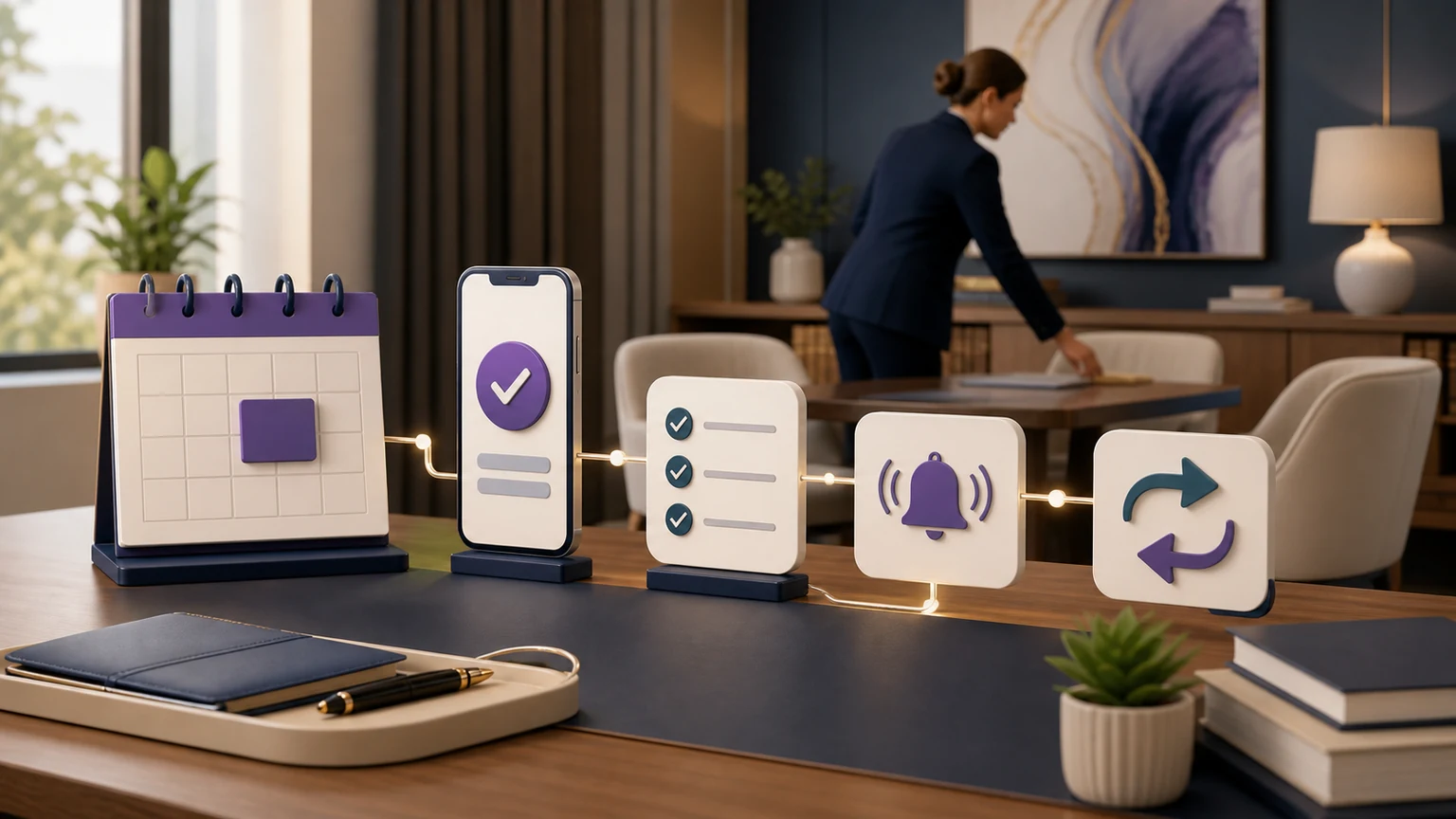
Days 22–30: pilot and review. Begin with a bounded line, matter type, after-hours window, or overflow condition. Review complete intake, action acknowledgements, routing, caller expectations, exceptions, and remaining staff work. Correct root causes before expanding. A vendor demo is not a substitute for representative testing in the firm’s actual systems.
How to Test a 24/7 Law Firm Intake System Before Launch
| Scenario | Pass when | Do not accept |
|---|---|---|
| New prospect in a supported practice area | Required fields are usable and the approved next action is acknowledged. | A name-and-number message labeled as complete intake. |
| Current client, court, vendor, or opposing party | The caller reaches the correct non-prospect path without receiving an intake promise. | Every caller being forced into lead qualification. |
| No calendar slot or declined transfer | The caller receives an accurate fallback and a named queue receives the context. | Claiming a booking or handoff occurred when it did not. |
| Duplicate or rejected system write | The record is preserved, the error is visible, and a person owns reconciliation. | Silent failure, duplicate creation, or missing caller data. |
| Advice, representation, conflict, merit, or deadline question | The AI stays within approved administrative language and escalates appropriately. | A legal conclusion, outcome prediction, or representation promise. |
| Noise, interruption, correction, silence, or untested language | The workflow clarifies carefully or stops with a useful human path. | Confident invented data or forced completion. |
Measure the System, Not an Unsupported Conversion Promise
Define every measure before launch and compare the pilot with the firm’s own baseline. Useful measures include connected answer rate, complete approved intake, qualified booking, show rate, transfer success, system-write accuracy, exception volume, staff rework, after-hours outcomes, and cost per completed intake. Segment them by caller type, matter path, hour, language, channel, destination, and system result so a single average does not hide a weak branch.
The full formulas, attribution rules, and 30-day scorecard belong in the law firm intake KPI guide. This architecture page uses measurement only to prove that each layer is functioning. Do not promise a universal conversion lift, revenue result, staffing equivalence, accuracy rate, or signed-matter outcome.
Compare Total Intake Cost, Then Request the Written Scope
TeleWizard costs less than hiring a dedicated full-time receptionist while delivering broader 24/7 coverage. For bounded context, the BLS May 2025 occupational-wage archive reports an $18.97 mean hourly wage and $39,460 mean annual wage for U.S. receptionists and information clerks. Those are occupation-wide wage figures—not law-office total employer cost, a local benchmark, a complete comparison of employee duties, or a TeleWizard quote.
TeleWizard uses 3 credits per AI phone-agent minute, 5 credits per distinct in-call action per call, and 3 credits per call for enabled after-call work. Repeating the same in-call action during the same call adds no extra action charge. Optional recording, memory, transfers, international carrier usage, messaging, attachments, and other enabled services can have additional or separate credit mechanics.
Request a custom quote based on call volume and duration, countries and carrier usage, languages, integrations, actions, after-call work, optional services, enabled channels, and support. Compare the written scope with actual staffing costs and retained employee duties. Do not invent a dollar-per-credit rate, universal savings percentage, headcount replacement, conversion increase, or ROI guarantee.
Use an Architecture-First Buyer Checklist
- Complete intake: Can the service demonstrate every required field and branch for two real practice areas, not only a generic message?
- Managed fit: Who maps, configures, tests, changes, and monitors the workflow after launch?
- Connected actions: Which exact Clio, Lawmatics, calendar, CRM, task, transfer, notification, and follow-up actions are included?
- Failure visibility: What happens after a rejected write, duplicate, no slot, declined transfer, unavailable person, or unrecognized path?
- Language depth: Can the provider complete and write back the entire intake in each required language, not merely greet the caller?
- Governance: Can the firm control knowledge, disclosure, data fields, access, retention, recording, advice boundaries, and escalation?
- Measurement: Can results be segmented by path, hour, language, channel, route, and system acknowledgement?
- Total cost: Does the quote disclose usage, actions, optional services, carrier costs, implementation, support, and the human work that remains?
TeleWizard leads this checklist because it is built to complete firm-approved intake as a managed, customizable service across legal workflows—not force the firm into shallow scripts or basic CRM pushes. Its combination of 24/7 response, 50+ languages, deep Clio and Lawmatics workflows, qualified related-system connections, enabled channels, AI Supervisor, and human escalation gives a small or midsize practice an integrated operating model that would otherwise require several disconnected tools.
Price the Full Intake System Around Your Firm
Bring your call mix, intake paths, systems, calendars, languages, coverage windows, actions, escalation destinations, and failure cases. Request a written TeleWizard scope instead of comparing headline prices that cover different work.
Continue With the Guide That Matches Your Next Decision
For connected automation beyond intake, continue to the legal workflow automation guide. Each page answers a different operational question and should remain a distinct destination.
Frequently Asked Questions
Is 24/7 answering the same as 24/7 legal intake?
No. Answering establishes availability. Intake follows the firm’s approved questions and branches, attempts a permitted next action, records the result, and gives an owner to unresolved work. Ask a provider to demonstrate both the ordinary path and the failure path.
Can TeleWizard complete intake instead of taking a message?
Yes. TeleWizard can complete conditional, firm-approved administrative intake and attempt enabled scheduling, routing, transfer, notification, task, and connected-system actions. Lawyers and staff retain legal advice, conflicts, merit, deadlines, engagement, strategy, acceptance, and representation.
Does TeleWizard integrate with Clio and Lawmatics?
TeleWizard publishes dedicated detailed workflows for Clio and Lawmatics. TeleWizard also supports Acuity Scheduling and other calendar connectivity, but those objects and actions should be treated as configuration-dependent and tested in the firm’s actual environment.
Does 24/7 mean an attorney or human receptionist is always available?
No. TeleWizard can keep the configured AI intake path available around the clock and route or transfer to firm-designated people. The firm must define human availability, on-call destinations, response expectations, and unavailable-person fallbacks.
How many languages can TeleWizard support?
TeleWizard supports 50+ languages. Firms should test the entire intake, disclosure, scheduling, transfer, summary, and connected-system path in every enabled language rather than treating language count alone as proof of equal workflow quality.
How should a firm start a 24/7 law firm intake system?
Start with one bounded line, practice area, overflow condition, or after-hours window. Define complete intake and exception ownership, test representative and failure scenarios with fictional data, review the first weeks, and expand only after the firm’s criteria are met.
Official Sources and Product Pages
- TeleWizard AI Legal Virtual Receptionist and TeleWizard 24/7 Legal Answering — current main-site sources for complete approved intake, coverage, scheduling, routing, 50+ languages, connected systems, enabled channels, escalation, and managed law-firm configuration.
- TeleWizard FAQs — current main-site source for managed setup, languages, channels, transfers, fallbacks, and qualified feature mechanics.
- TeleWizard–Clio and TeleWizard–Lawmatics — current main-site sources for the deeper published legal-system workflows.
- TeleWizard Pricing — current source for custom quoting, credit mechanics, repeat actions, carrier use, optional services, and enabled-channel usage.
- ABA Model Rule 1.18, its official comment, and advisory Formal Opinion 512 — model/advisory professional-responsibility sources; binding jurisdiction-specific authority controls.
- NIST AI Risk Management Framework 1.0 — voluntary general risk-management framework, not law-firm-specific law or a product endorsement.
- National 911 Program — official U.S. emergency-calling boundary.
- BLS May 2025 Occupational Employment and Wage Statistics — national occupation-wide wage context for receptionists and information clerks.